
Your photo
A clear photo with the outfit area visible. Waist-up or full-body both work.
Pick an occasion, describe an outfit or add a photo of the clothes. Your face and pose stay the same.
 Original
 Edited
By editing you confirm the photo is yours or you have permission to edit it. Terms


“Dress him in a charcoal grey suit with a white shirt and a navy tie”
What it is
An AI clothes changer puts a new outfit on the person in your photo and keeps the body shape, the pose and the light of the original. Describe the outfit in a sentence, such as “a navy suit with a white shirt”, or add a photo of the clothes, and only the clothing is redrawn.
People use it as a virtual try on, to see an outfit on themselves before they buy it, to pick what to wear for an interview or a wedding, and to turn a flat product photo into a photo of someone wearing it. A change takes seconds, and every new account gets 5 free edits.
Describe or show
Type the outfit, or add a photo of the clothes.
Same face, same pose
Only the clothes change.
Up to 4K
Download without a watermark.
Two ways
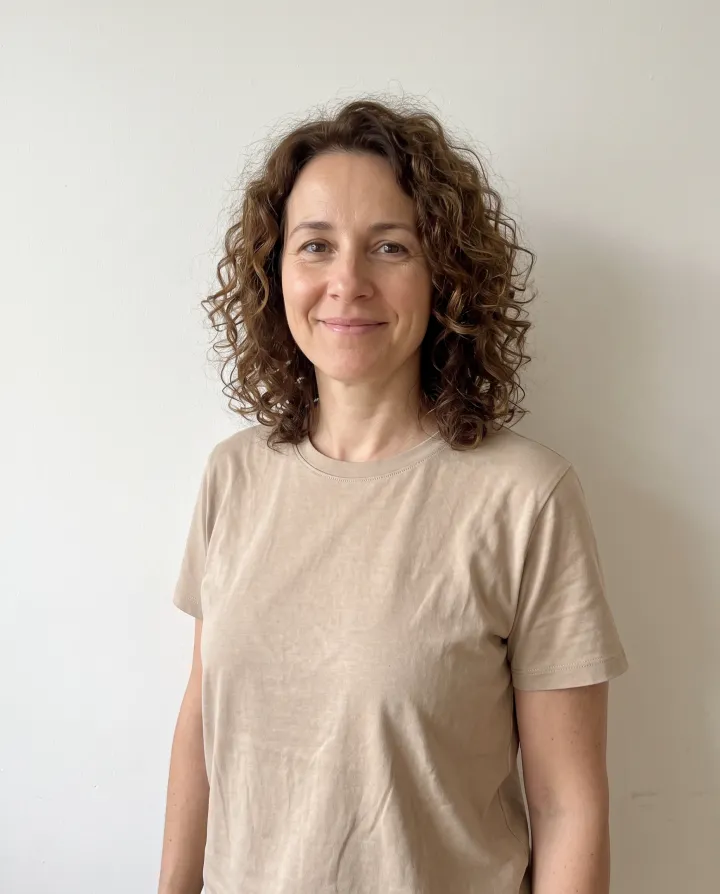
The same photo dressed both ways: once from a sentence, once from a product photo of the dress.
A clear photo with the outfit area visible. Waist-up or full-body both work.
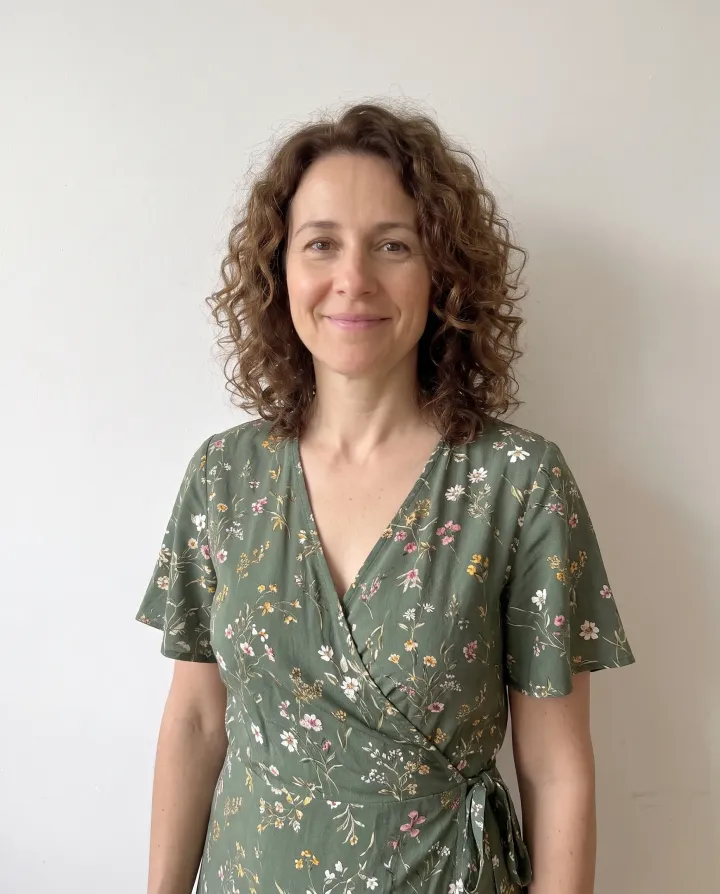
“Change her outfit to a green floral wrap dress with short sleeves.” Best when you have a style in mind but no exact item.
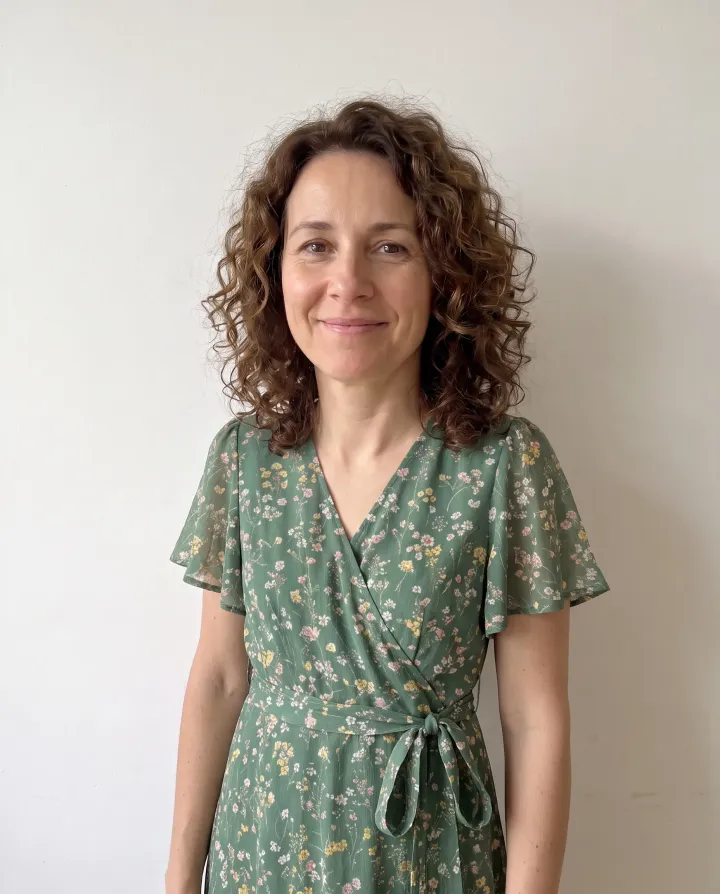
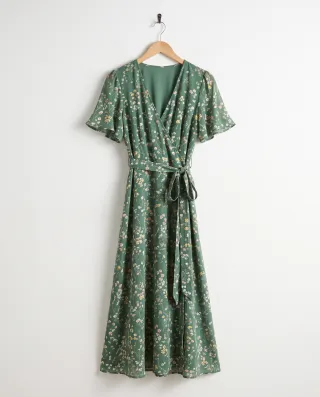
“Dress her in the dress from the second photo.” Add a product photo as the second picture to try on that exact piece.
Clothing photos
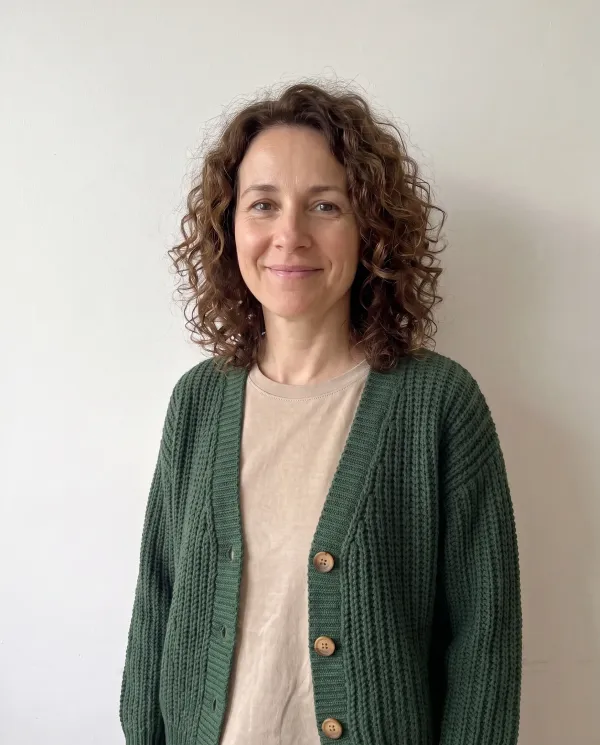
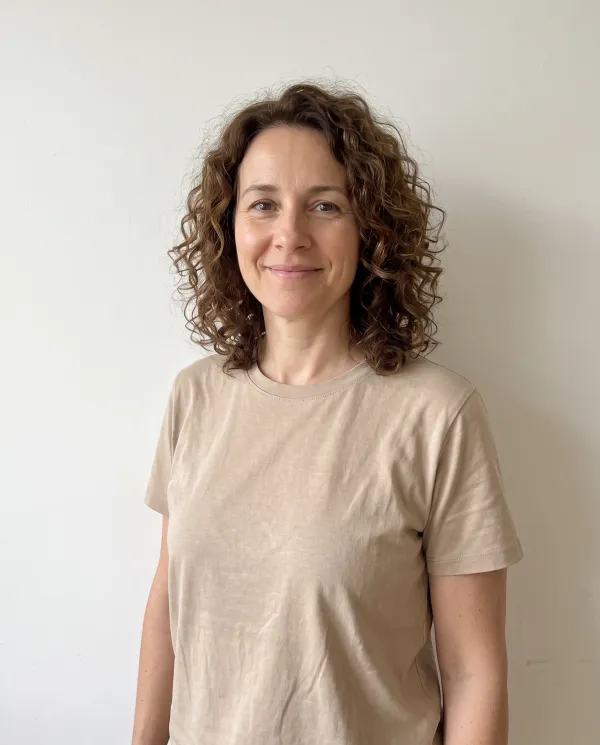
Add the clothes as the second picture. Each result below started from the same photo of her in a beige t-shirt; the small picture is the clothing photo.
 EditedOriginal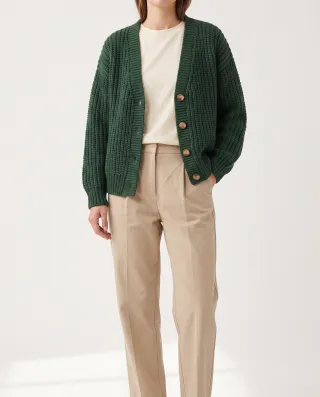
“Dress her in the green cardigan from the second photo”
The photo on a product page works, even with the model’s face cut off. Knit, buttons and color carry over.
 EditedOriginal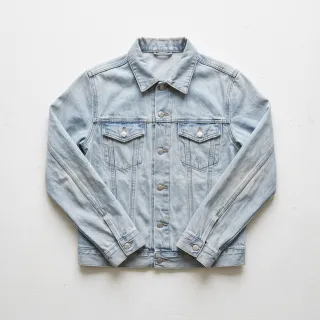
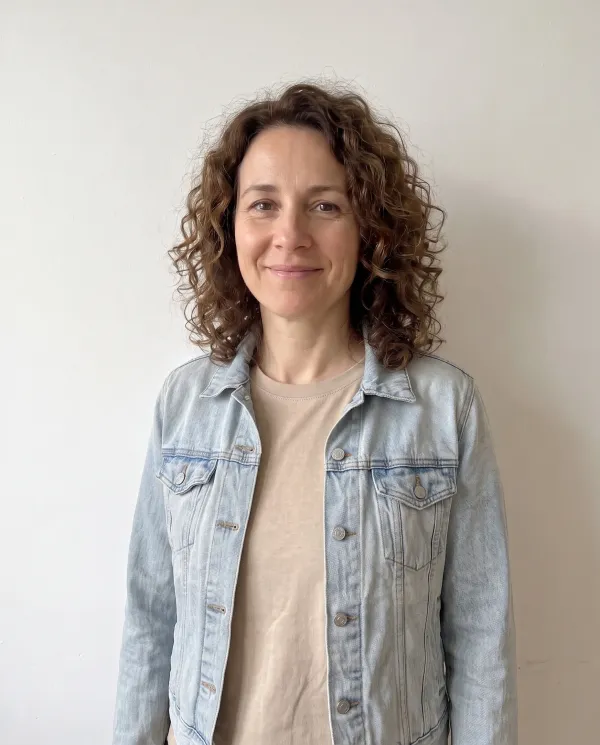
“Put the denim jacket from the second photo on her”
A garment laid flat or on a hanger. The AI clothes changer shapes it to the body, with folds where the arms bend.
 EditedOriginal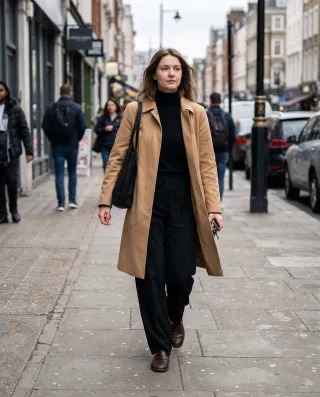
“Dress her in the camel trench coat and black turtleneck from the second photo”
Take the outfit from another photo of a person, such as a street-style shot, and put it on yours.
Good and bad
The AI clothes changer copies what it can see in the clothing photo, so the clearer the garment, the closer the result.
Occasions
A job interview, a wedding, a beach trip, a winter walk and a party: the AI clothes changer made all five from the same photo of her in a t-shirt and jeans. Pick one to compare it with the original.
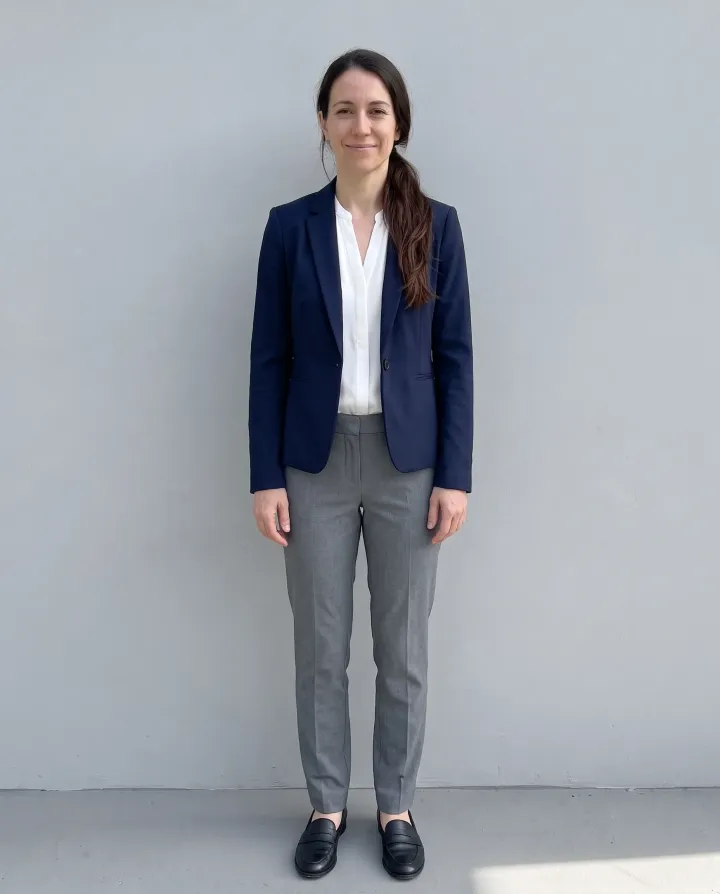
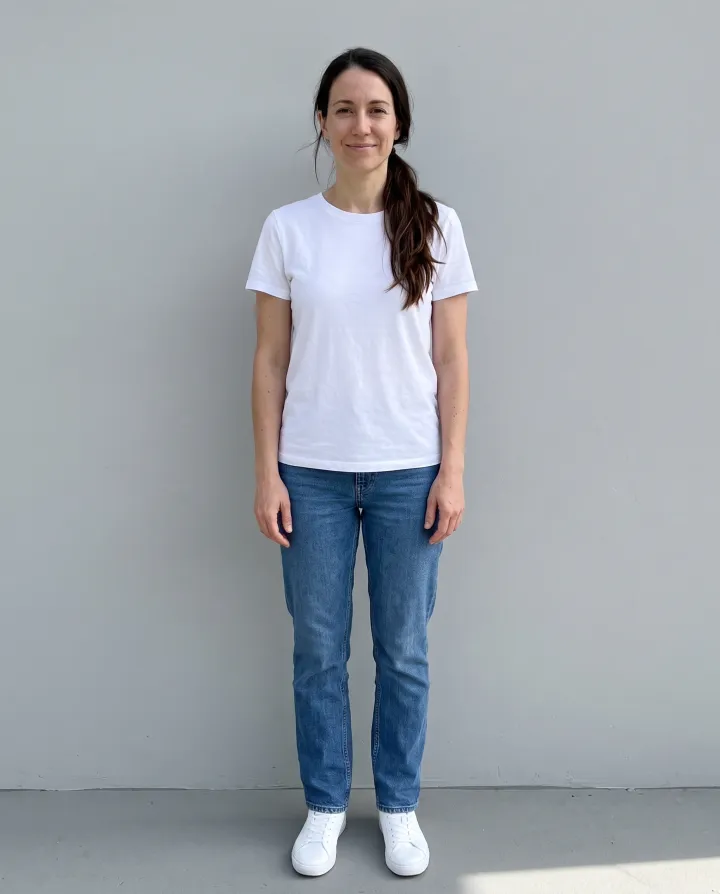
“Dress her for a job interview in a tailored navy blazer, a white blouse, grey trousers and black loafers”
“Dress her for a job interview in a tailored navy blazer, a white blouse, grey trousers and black loafers”
Wedding dress try on works the same way: describe the dress or add a photo of it.
Colors
Already like the coat but not the color? Ask the AI clothes changer for the new color and everything else stays. Tap a color to compare.
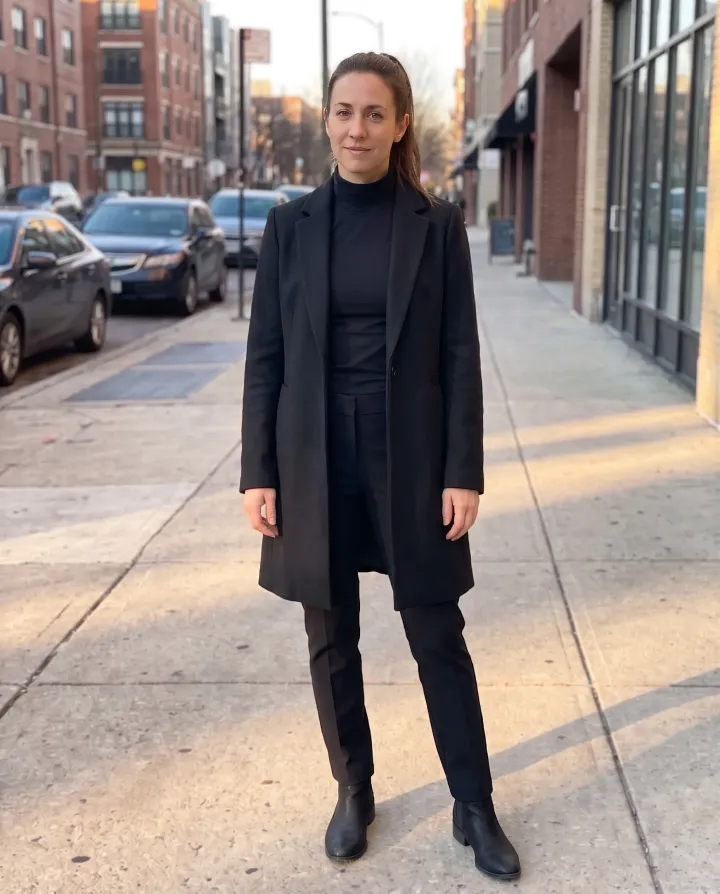
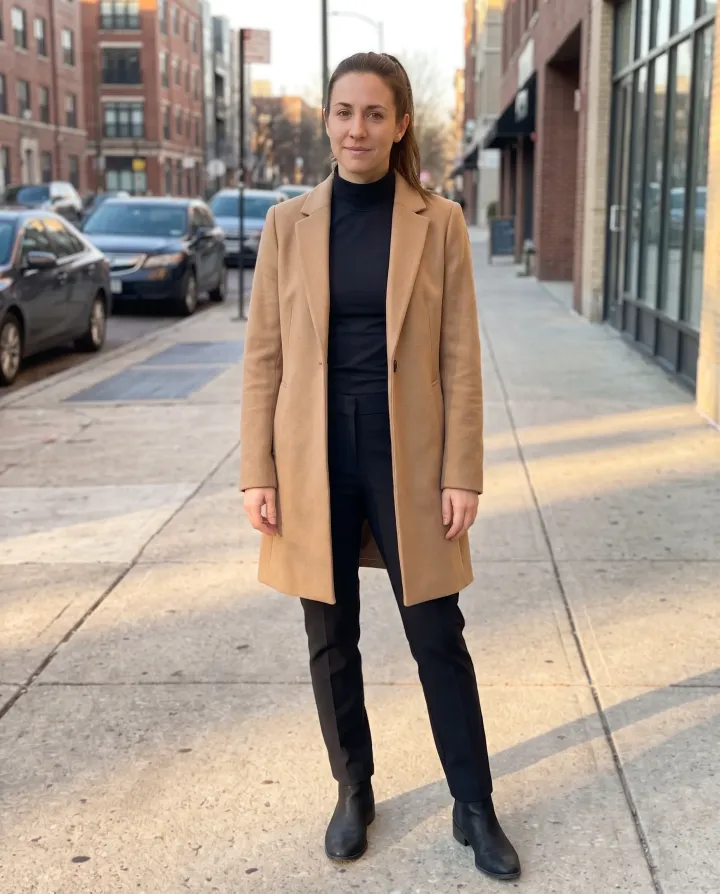
“Change the color of her coat to black. Keep everything else the same”
“Change the color of her coat to black. Keep everything else the same”
Details
The cardigan from the shop photo, enlarged next to the same parts of the AI clothes changer result: the chunky knit, the wooden buttons and the sleeve.
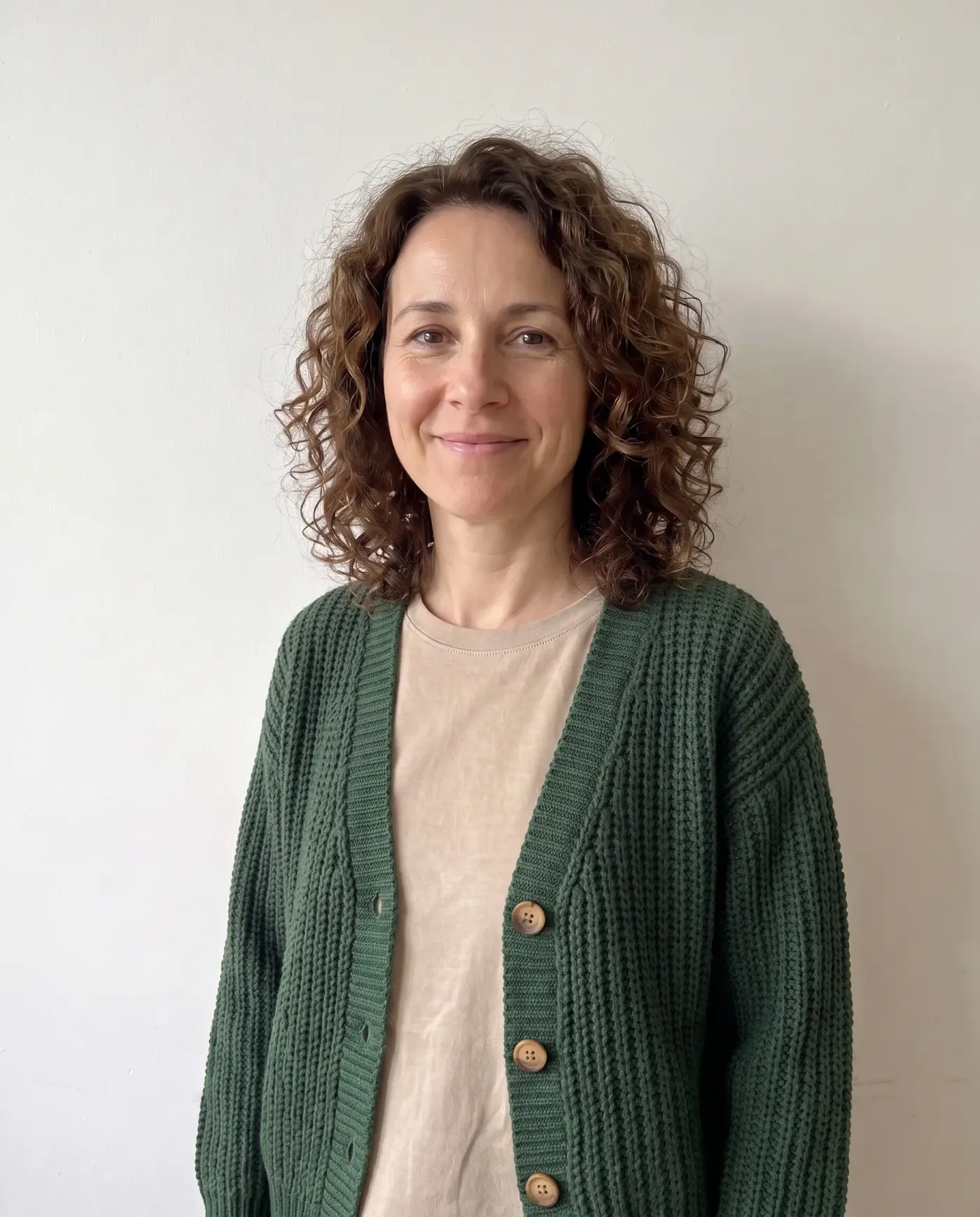
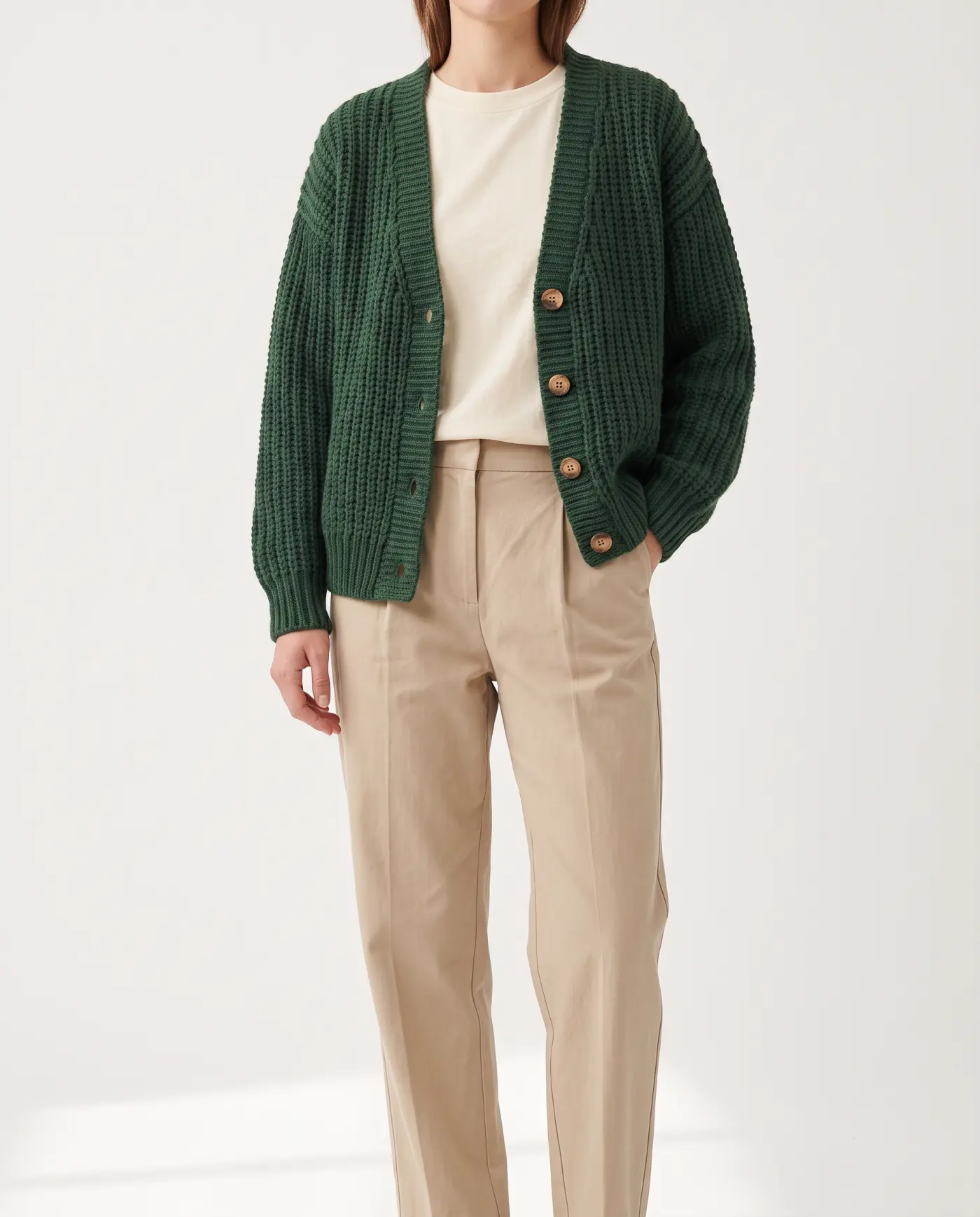 OriginalEdited
The rib of the knit and the wooden buttons are the ones in the shop photo.
OriginalEditedThe sleeve bends with her arm, with the shadow on the inside.
How to
Stand straight in good light. Fitted clothes work better than baggy ones, because the AI clothes changer can see your shape.
Pick an occasion, type the outfit, or add a photo of the clothes as the second picture.
Drag the slider to compare with your photo, change the color in a second edit, and download in 2K or 4K.
Yes. Every new account gets 5 free edits at 2K with no watermark, enough to try several outfits. After that, credit packs start at $4.99.
Here one outfit change takes 2 credits at 2K. Packs start at $4.99 for 30 changes and never expire, and a yearly Pro plan brings a change under 6 cents.
It shows the style, the color and how the fabric drapes on your body. It does not know your size, so use it to decide what you like, and the size chart to decide what to order.
It is built not to: each edit asks the model to keep the person recognizable and change only the clothes, so your face, hair, pose and body stay as they are. If a face comes out changed, email us within 7 days and we return the credits.
No. The AI clothes changer works on photos. For a video, change a still frame and use it as a photo.
You do not need one. It runs in the browser on iPhone and Android: upload from your camera roll and save the result back.
Yes. The suit at the top of this page is on a man. Suits, knitwear, jackets and streetwear all work the same way.
Yes, for clothes you sell and photos you have the rights to. Put a flat lay on a model photo you already own, in every color you stock.
No. Requests to undress someone or make clothing see-through are refused before any credit is charged.
Upload a photo and the AI clothes changer dresses you in any look. 5 free edits, and your face stays the same.