
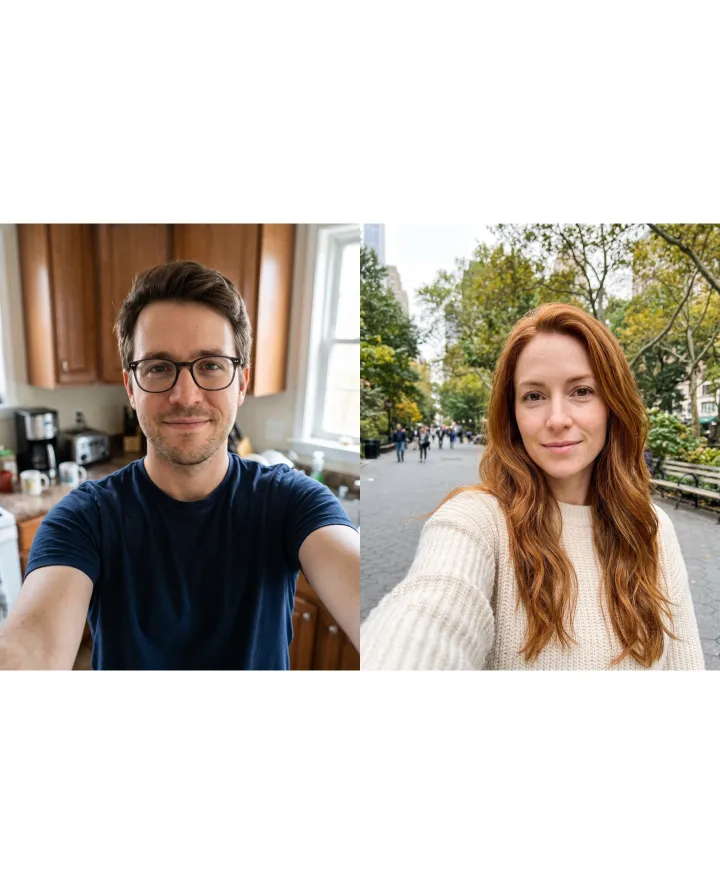
Side by side (a collage)
The two photos as they are, next to each other. Each keeps its own background and light. No AI needed.
- Quick, and nothing changes
- Still two separate photos
Upload two to four photos and say who goes where. One scene, one light.
By editing you confirm the photos are yours or you have permission to use them. Terms
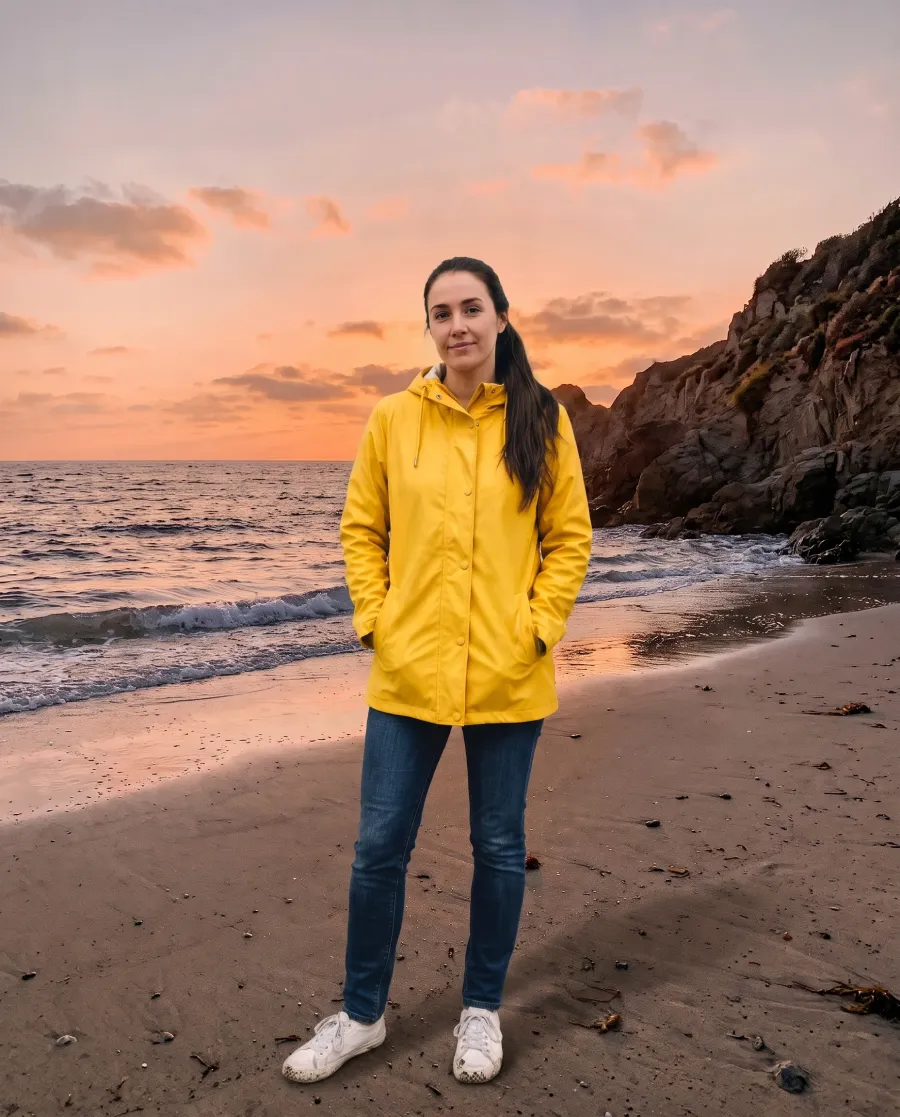
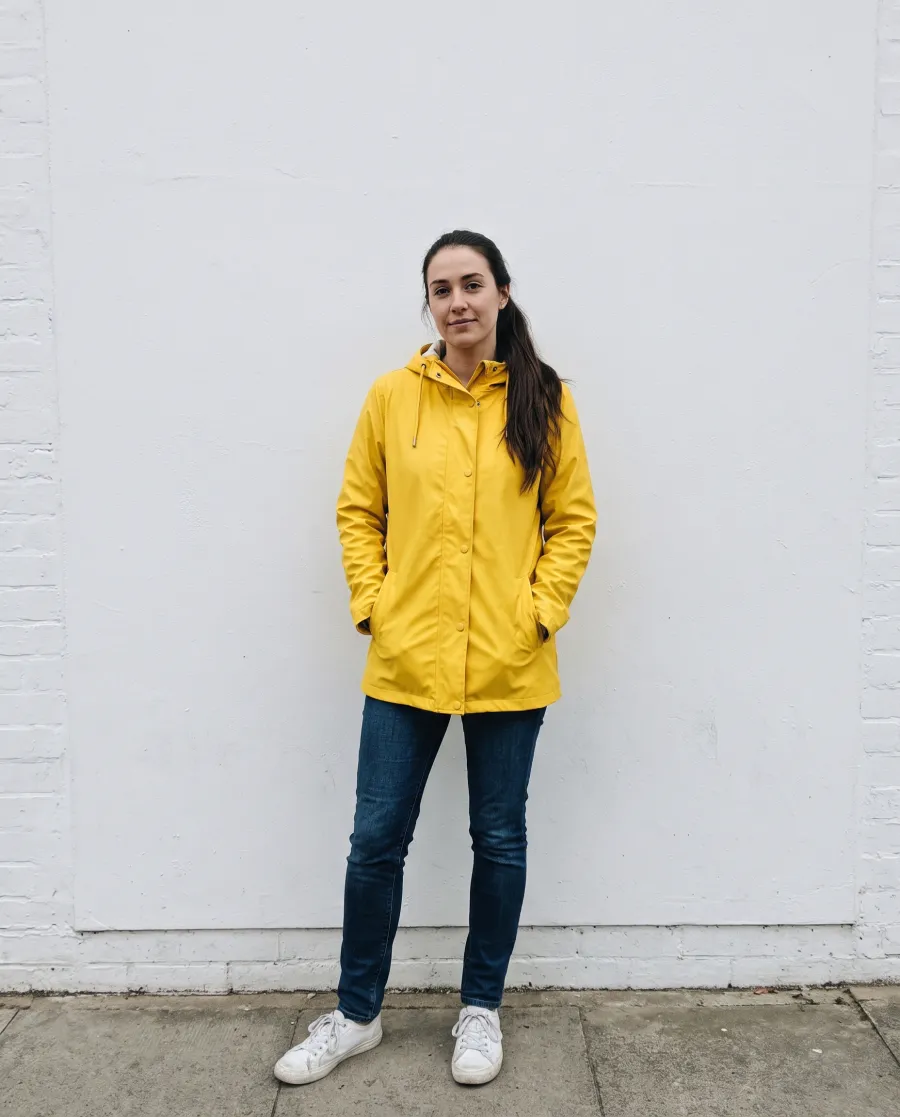
“Put the woman from the first photo on the beach in the second photo, standing in the foreground at sunset”
What it is
An AI image combiner takes two or more photos and makes them into one picture where everything belongs together. That is different from a collage, which only puts the photos next to each other. Here are the same two selfies both ways.
The two photos as they are, next to each other. Each keeps its own background and light. No AI needed.
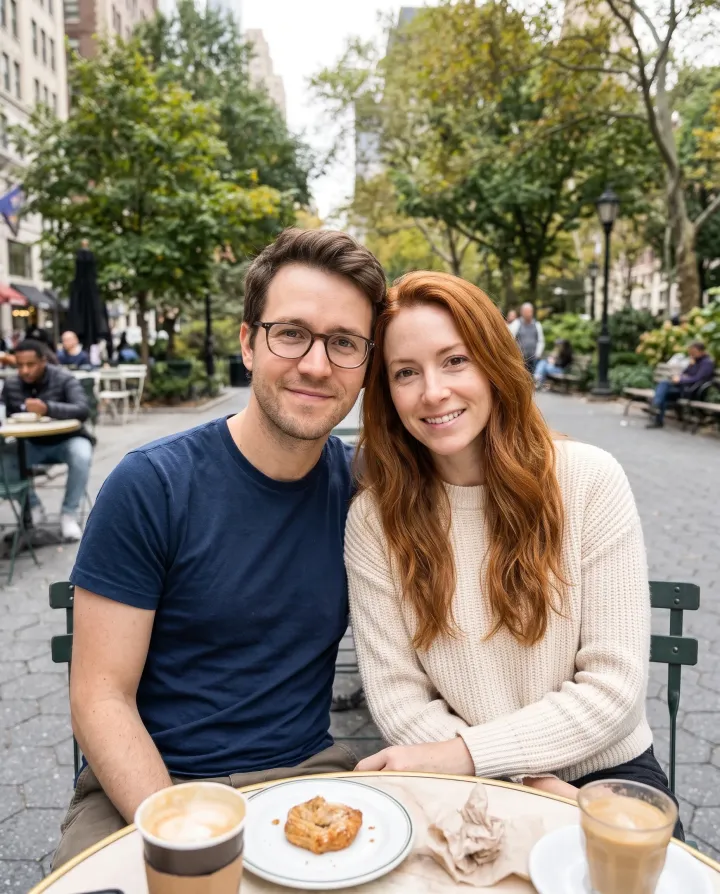
“Put the two people from these photos side by side at a cafe table.” One place, one light, both faces kept.
Two in, one out
Merge two photos or more: the small pictures in the corner are all the photos that went into the AI image combiner. Tap or hover a card to see the first one full size.
 EditedOriginal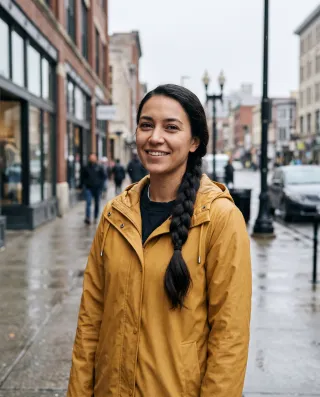
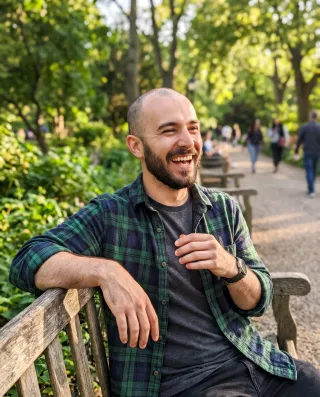
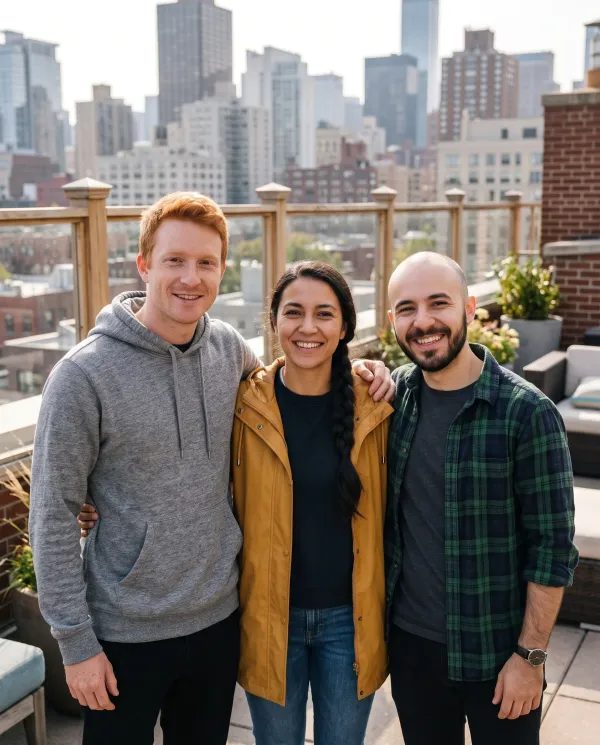
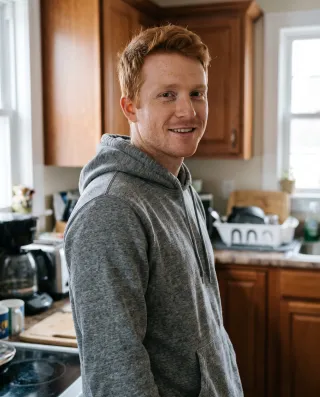
“Put the three people from these photos together on a sunny rooftop terrace with the city behind them, standing side by side with arms around each other, smiling at the camera. Keep each person's own clothes from their photo: the grey hoodie, the mustard rain jacket and the green flannel shirt”
Three photos taken in three places become one group shot on a rooftop. Each person keeps their own face and clothes.
 EditedOriginal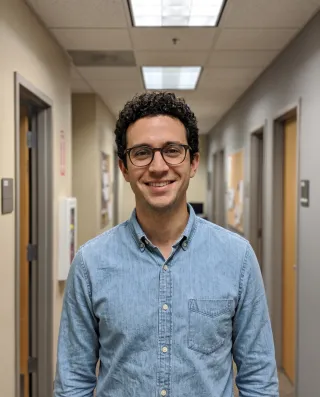
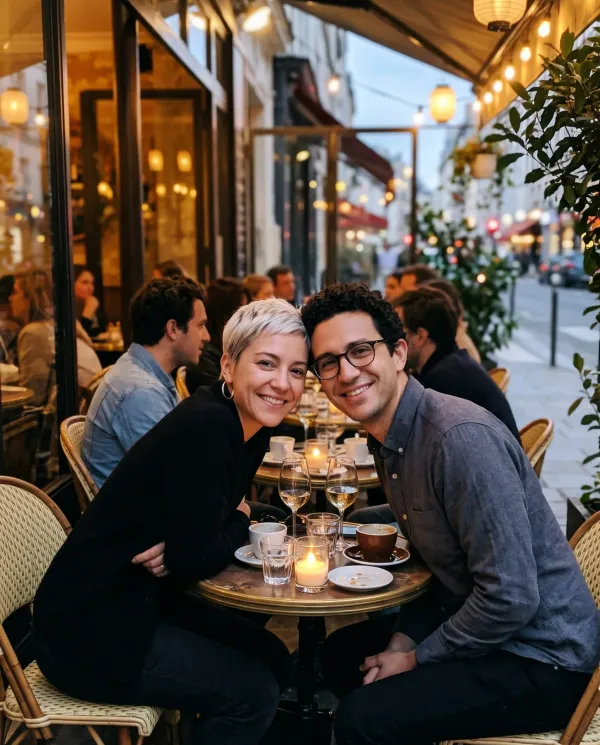
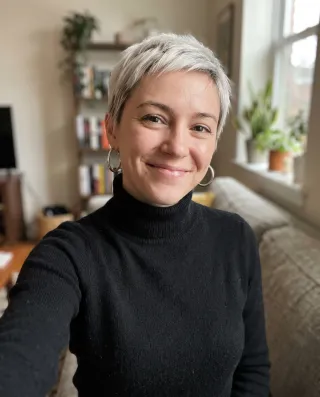
“Put the woman from the first photo and the man from the second photo together on a cafe terrace in the evening, sitting close at a small table, both smiling at the camera”
Two photos taken apart become an evening on a cafe terrace, sitting close at one table.
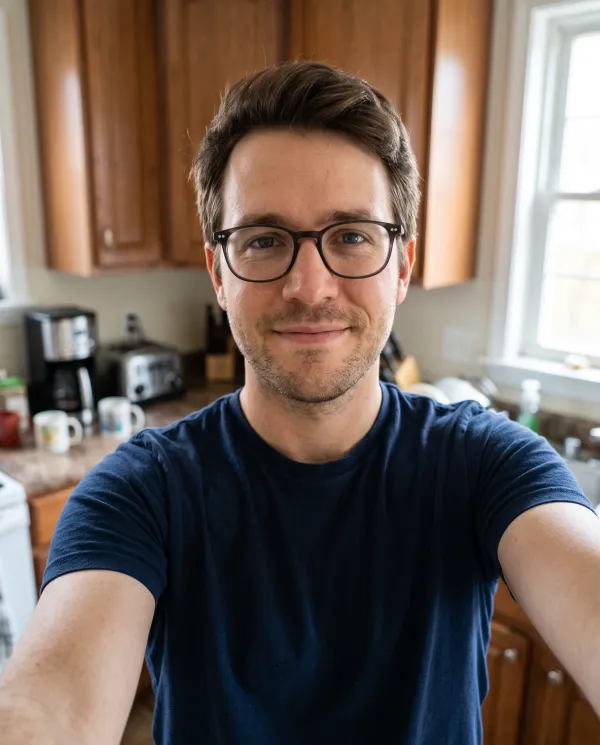 EditedOriginal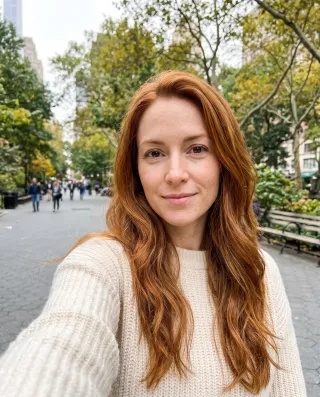
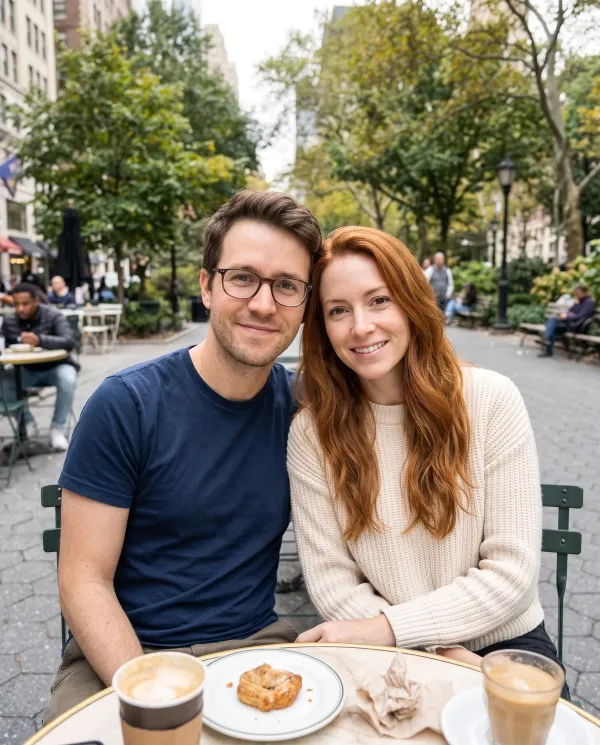
“Put the two people from these photos side by side at a cafe table, both smiling at the camera”
Two selfies taken in different cities become one photo of two friends at the same table.
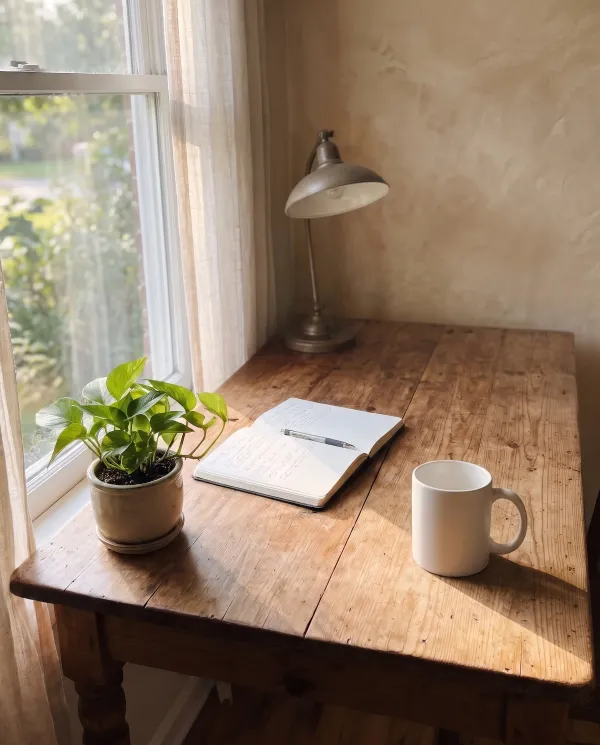
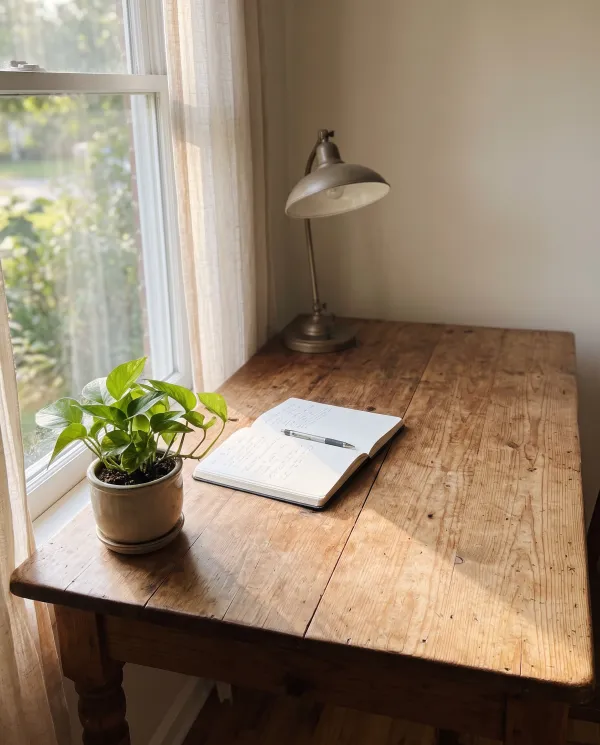 EditedOriginal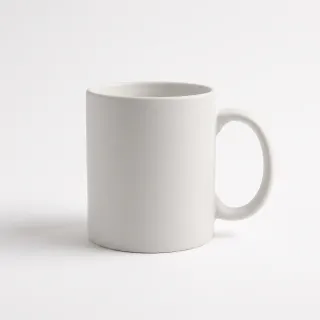
“Place the mug from the second photo on the right side of the desk, with natural window light and shadow”
A plain product shot placed on a desk, with window light and a shadow that match the room.
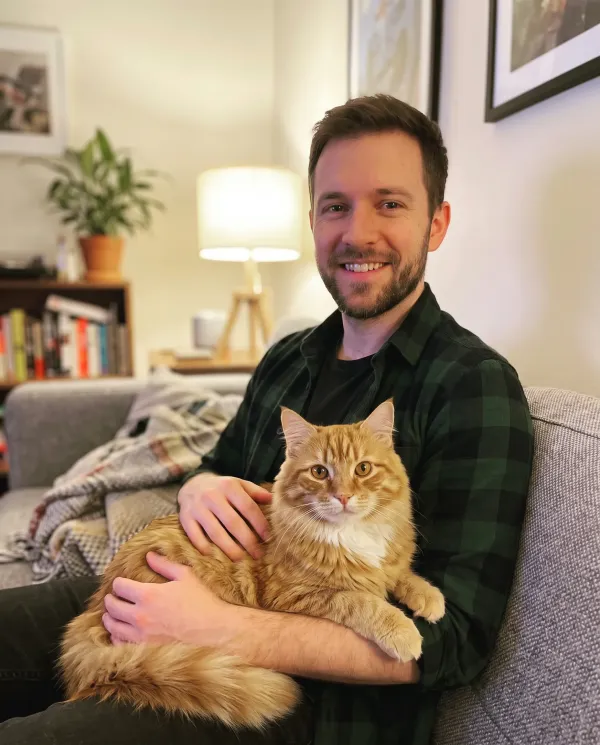
 EditedOriginal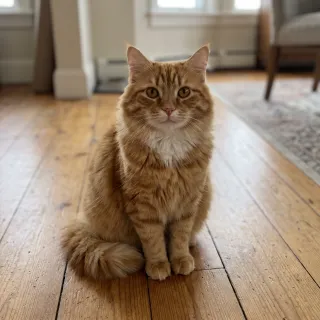
“Put the cat from the second photo on the man’s lap”
The cat from one photo curled up on the lap of the man in another, in his own living room light.
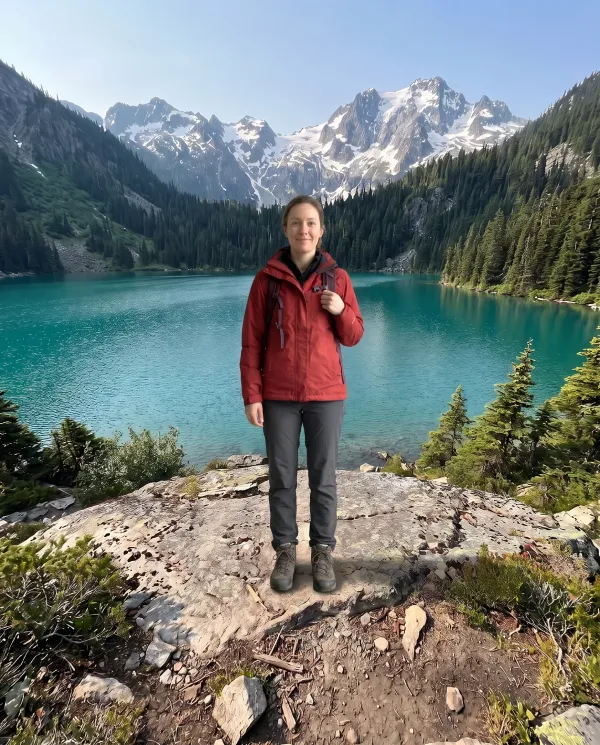
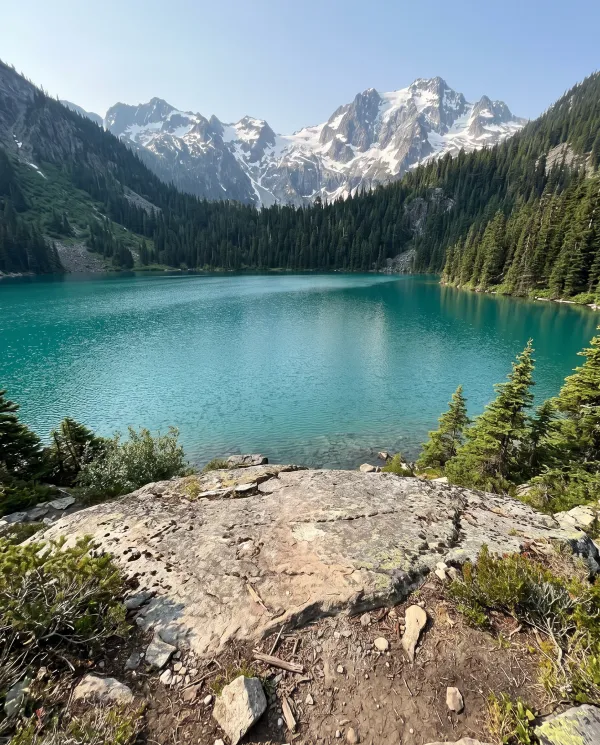 EditedOriginal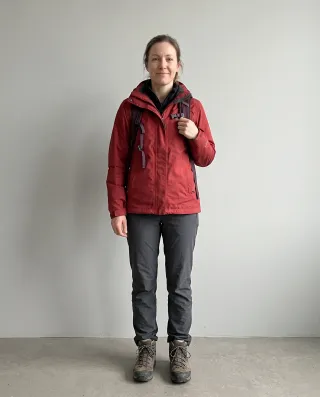
“Put the hiker from the second photo standing on the rock in front of the lake”
A studio photo of a hiker placed on a rock by an alpine lake, at the right size and in the right light.
Instructions
Name each picture by its order, “the first photo” and “the second photo”, and say where things go. Press Use to put an instruction in the editor.
“Put the people from these photos side by side on a sofa”
“Add the person from the second photo to the group in the first photo”
“Put the woman from the first photo next to the man in the second photo, holding hands”
“Place the bottle from the second photo on the kitchen counter in the first photo”
“Put the sneakers from the second photo on the person in the first photo”
“Show the bag from the second photo on the chair in the first photo, in the same light”
“Put the person from the first photo in front of the building in the second photo”
“Put the dog from the second photo on the grass in the first photo”
“Use the sky from the second photo in the first photo”
Up close
The AI image combiner redraws the whole picture instead of pasting people in, so the light, the scale and the edges agree. Here is the rooftop photo up close, next to the photo she came from.
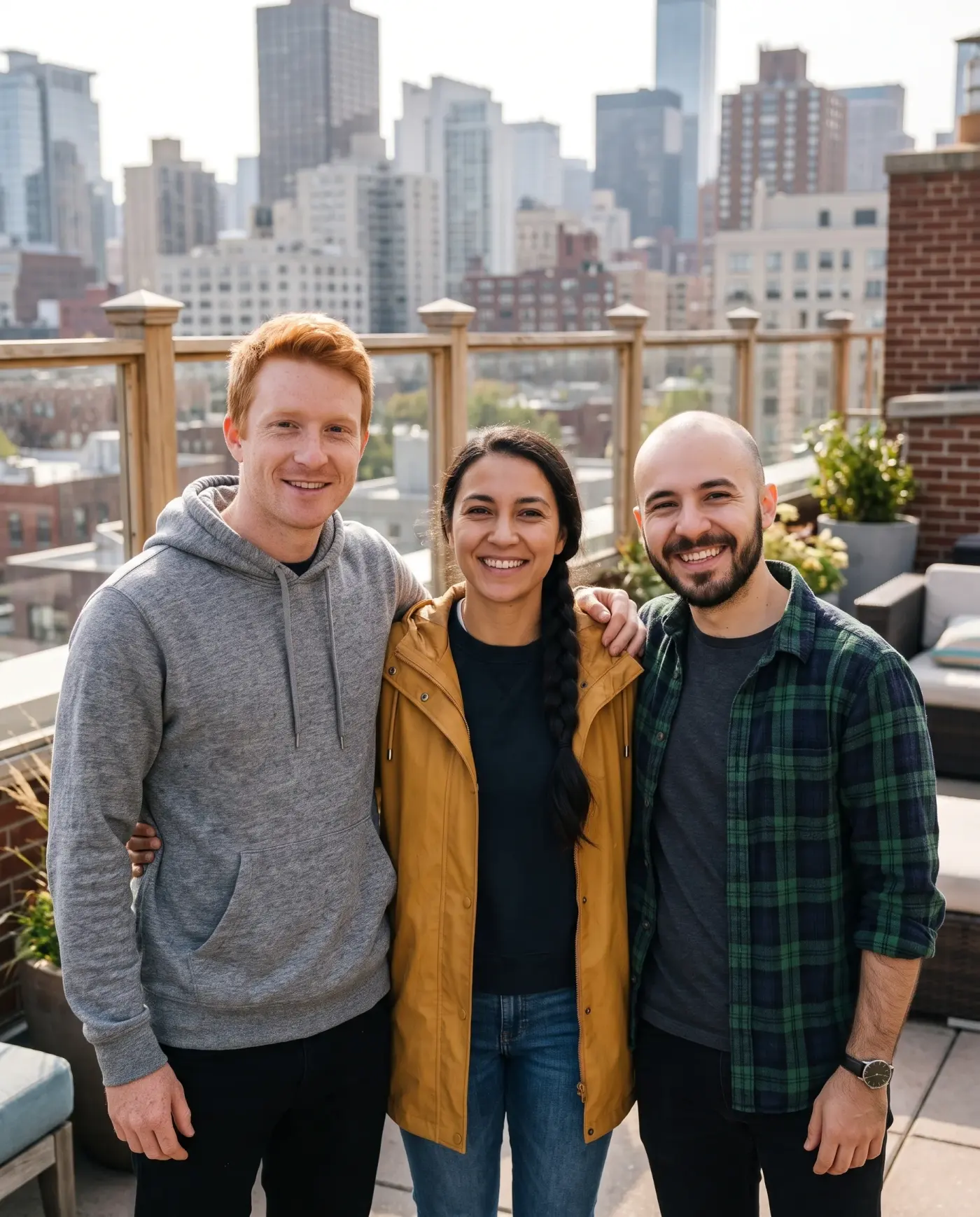
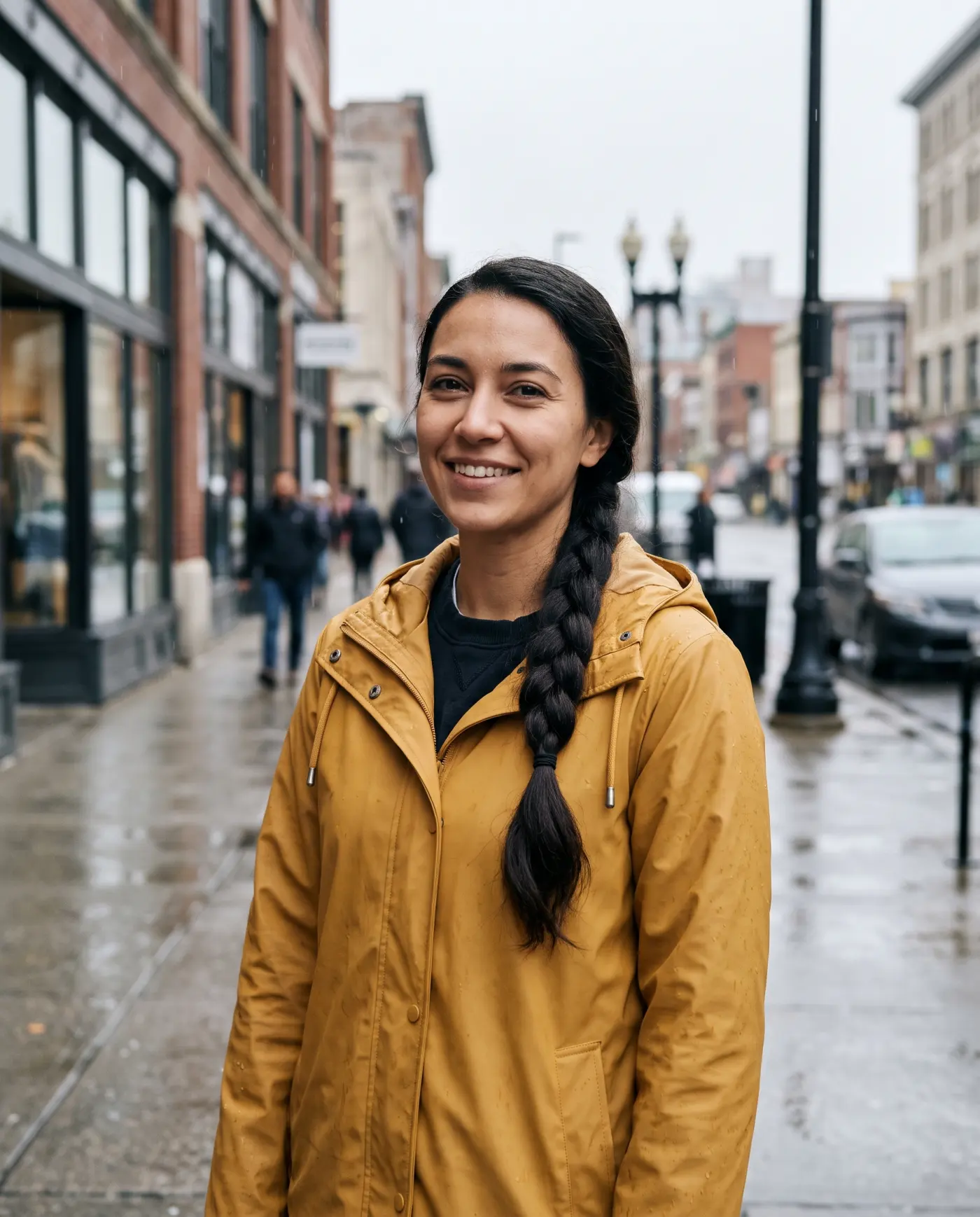 OriginalEdited
The same face as in her own photo, now in the rooftop light.
OriginalEditedThe mustard rain jacket from her photo, now lit by the same sun as the others.
Noon sun and a night street in one picture can take a second try. Say the light you want.
Use photos where each face is clear and large enough. A face behind sunglasses or a hand comes back less exact.
Name each photo by its order and give a place: “next to”, “on the lap of”, “in front of the lake”.
Before you combine
The AI image combiner matches light and scale, and it starts from what you give it. These photos combine best.
How to
The first photo you upload is “the first photo” for the AI image combiner. Add up to three more with Add the second photo.
Write one sentence: “Put the person from the second photo next to the man in the first photo, on the beach.”
Check the faces and the light, edit again in the AI image combiner if needed, and download in 2K or 4K.
One that keeps every face and matches the light. The AI image combiner here does both, takes up to four photos and gives every new account 5 free edits. After that, credit packs start at $4.99.
Upload both, then say what goes where, such as “put the woman from the second photo next to the man in the first photo”. To just place them next to each other, use any collage tool instead.
ChatGPT can do it when you upload both and describe the result. The AI image combiner here adds ready-made instructions, keeps faces by default and takes up to four photos in one edit.
Yes. The AI image combiner takes up to four in one edit, like the three friends above. Name them by order: the first, second and third photo.
Yes, when each person is clear in their photo. The AI image combiner redraws the scene with one light and matching scale, so it reads as one photo, not a collage.
Yes, as in the couple and the friends above. Use photos of people who agree to it, and say it was combined when you share it.
Yes. The AI image combiner, also called an AI photo combiner or AI image merger, runs in the phone’s browser: upload both photos from your camera roll and save the result back.
Yes. Write “turn the first photo into the painting style of the second photo”, and the scene stays while the look changes.
Add two or more photos and the AI image combiner makes one natural picture. 5 free edits to start.