
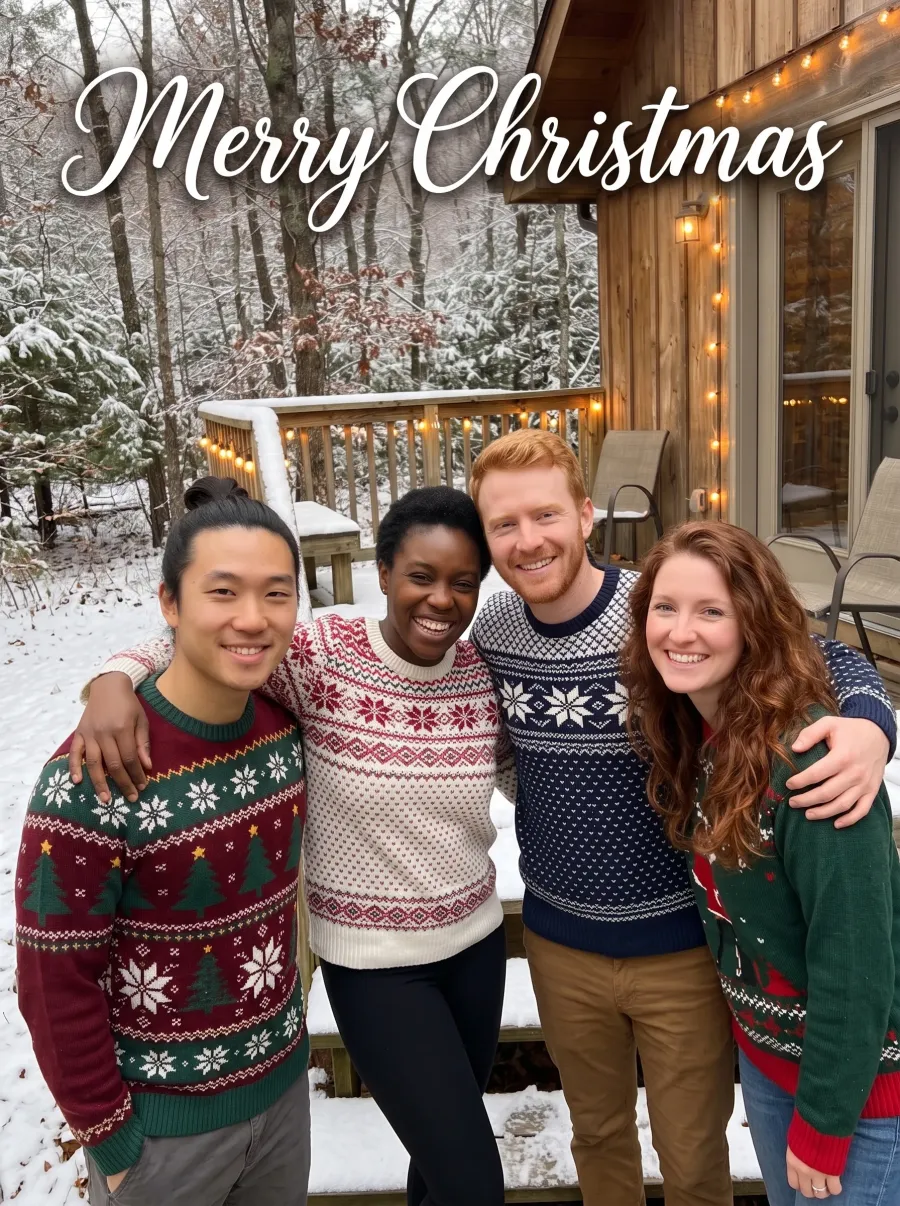
The photo and the greeting
One big photo and one line of lettering. Keep the greeting short so it reads from across the room.
New: GPT Image 2.6 edits photos and makes GIFs and SVGsNew: GPT Image 2.6 with GIFs and SVGs
Try itUpload a family, couple or pet photo, type your greeting and pick a style. The AI Christmas card generator letters your words into the design and keeps every face. Free to start, ready to print or send.
 Original
 Edited
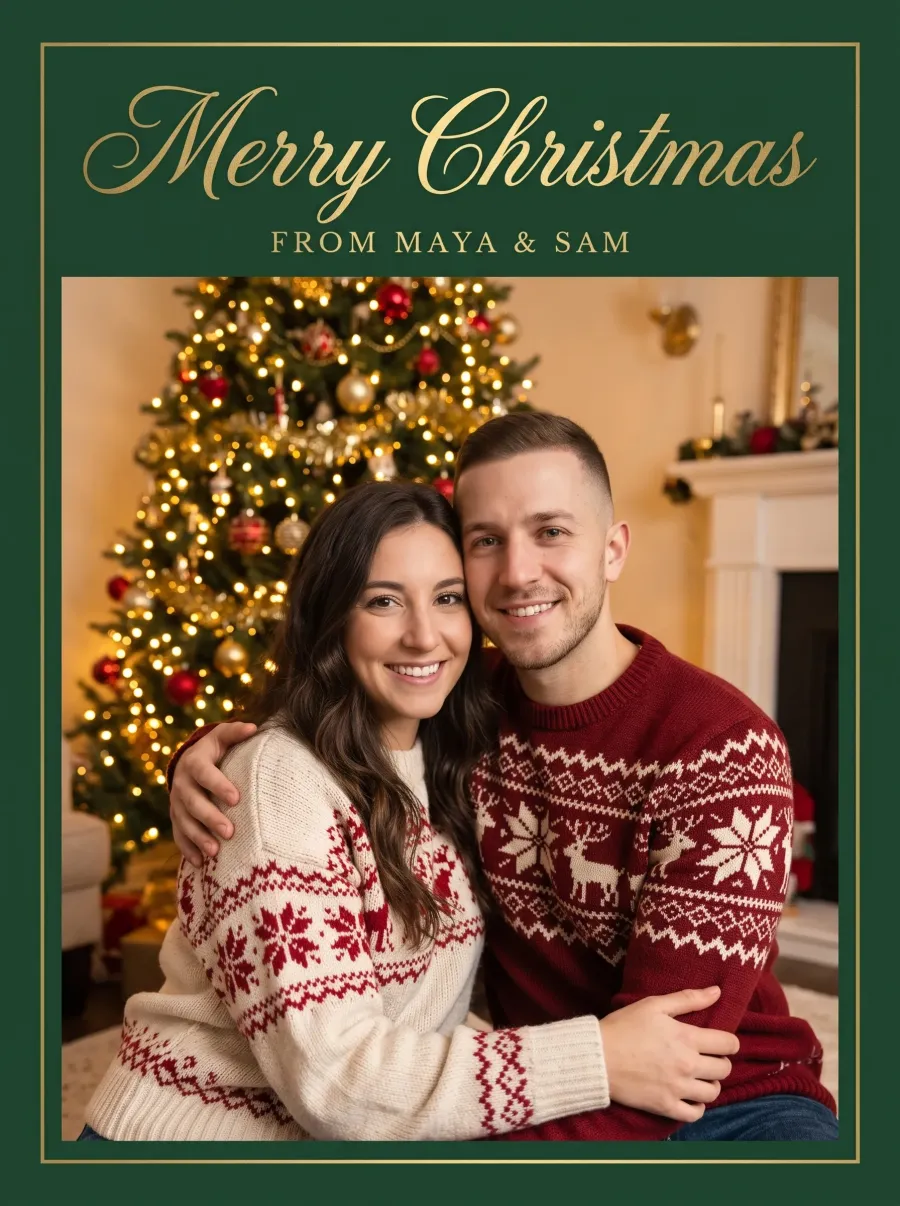

“Make this a Christmas card: put the couple in cozy cream and red Christmas sweaters in front of a softly glowing decorated Christmas tree, framed by a deep green border, and letter "Merry Christmas" in large elegant gold script across the top with "from Maya & Sam" in small gold capitals under it.”
Quick answer
An AI Christmas card generator makes a Christmas card from a photo you already have: a family Christmas card, a couple card or a card from the dog. You describe the card in one sentence: the scene, the outfits, the design and the exact words. The AI redraws the photo for Christmas, keeps every face recognizable and letters your greeting into the design.
Unlike a template-based Christmas card maker, there is nothing to fill in and no layout to arrange. You get one image with the photo, the border and the lettering together, the size of a printed card, to download, print or send as an eCard.
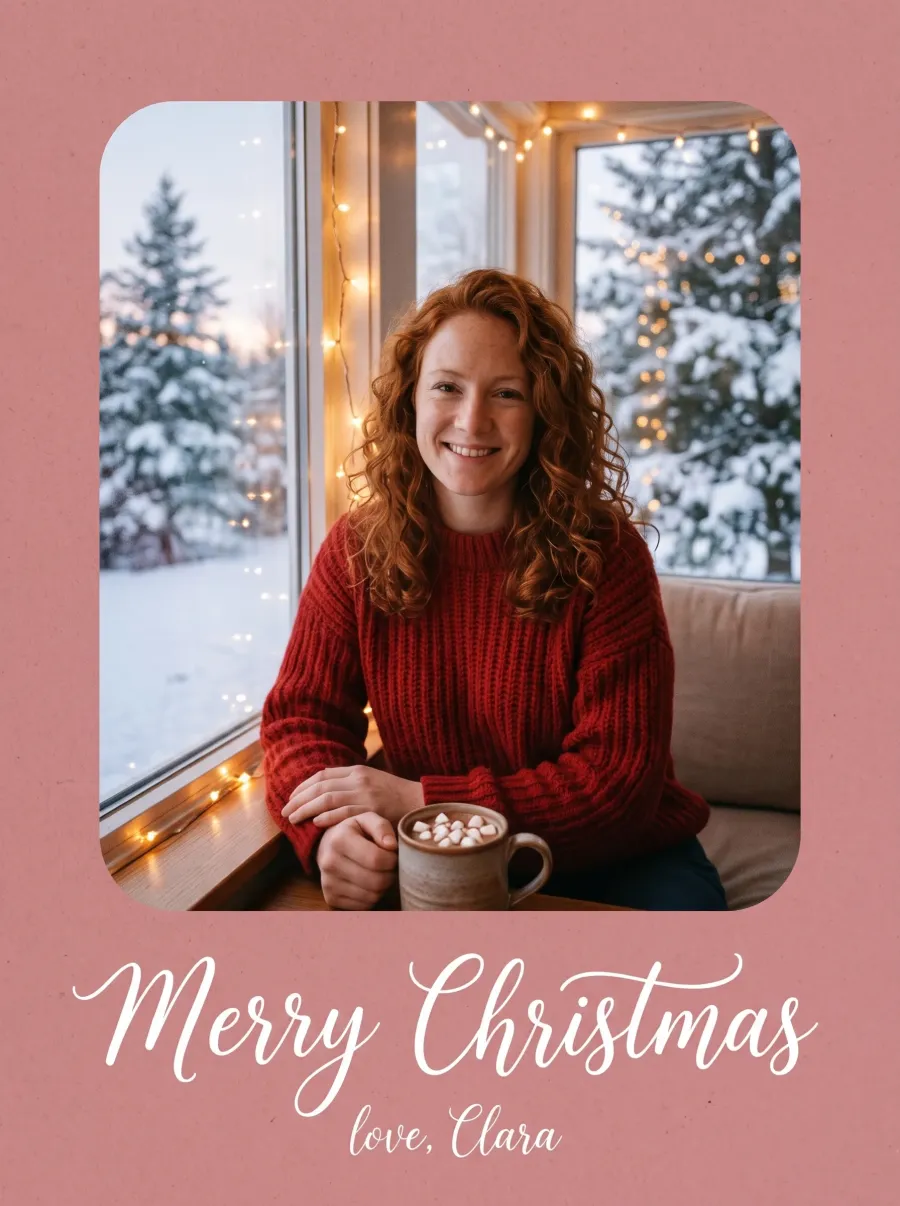
Card styles
Classic, modern, retro or painted: the AI Christmas card generator made each card below from the small photo under it. Choose a style, then change the names and the greeting in quotes to yours.
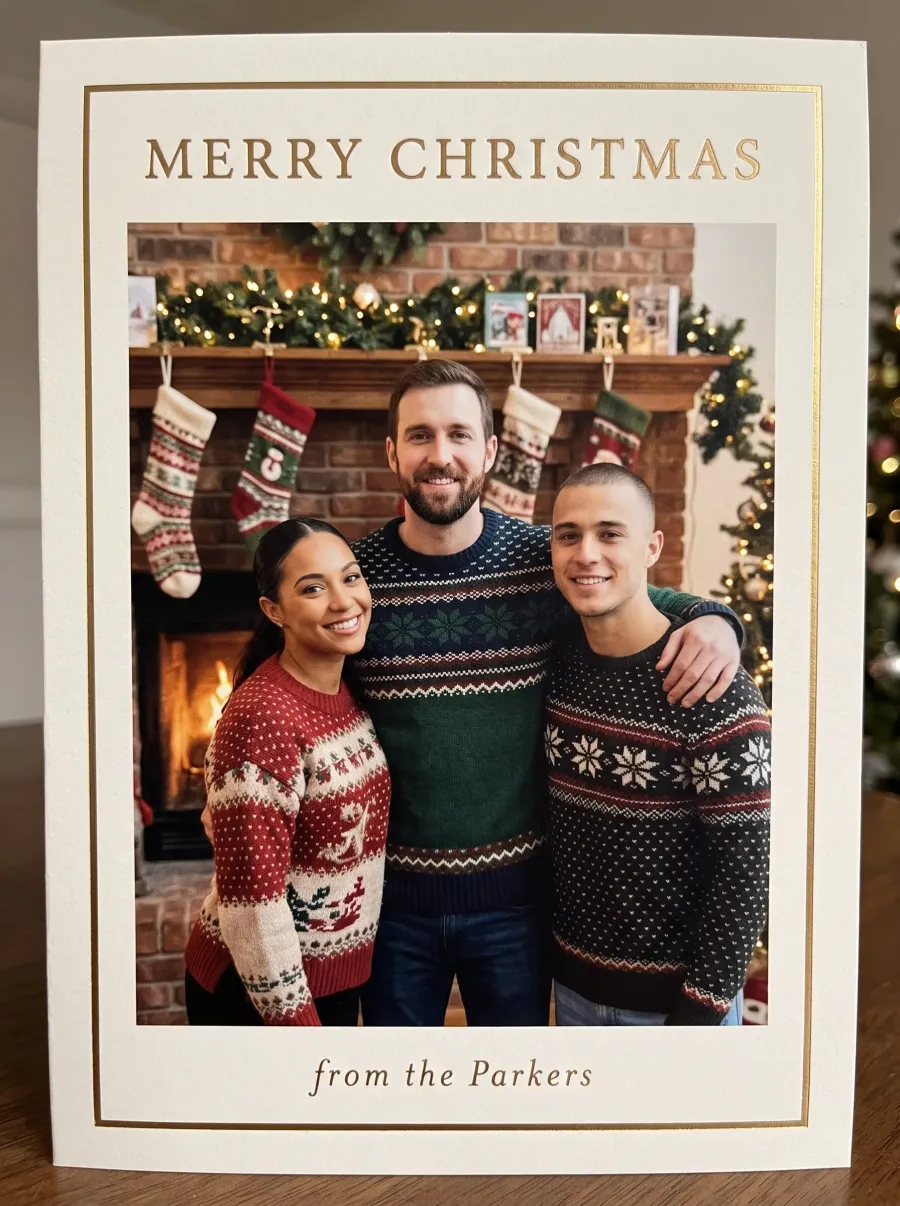
The family card most people send: sweaters, stockings, a gold border and your family name in script.
 1 group photo
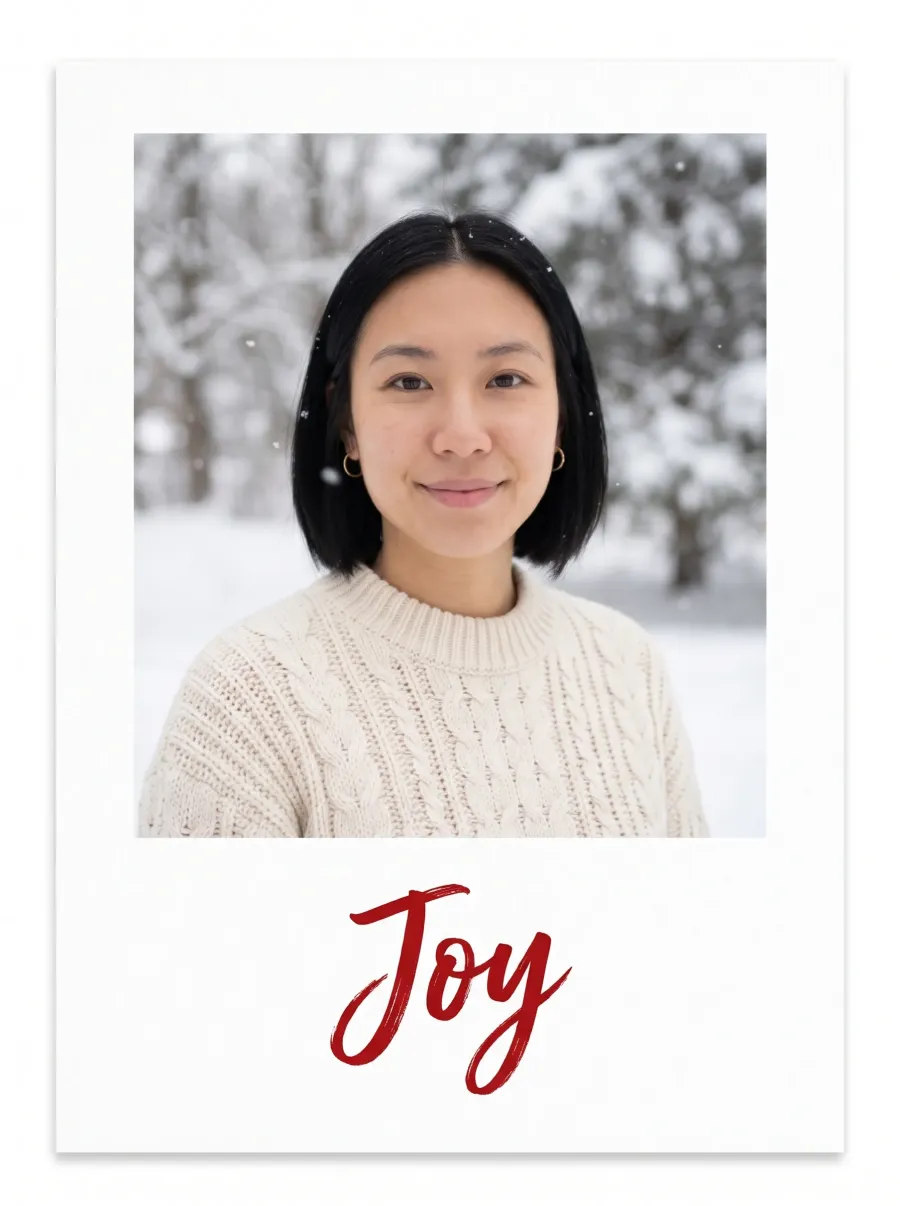
A clean white card with one word. It suits a solo portrait and reads well at any size.
 1 photo

Tinsel, cocoa and bubble letters for a card that makes people smile before they read it.
 1 photo
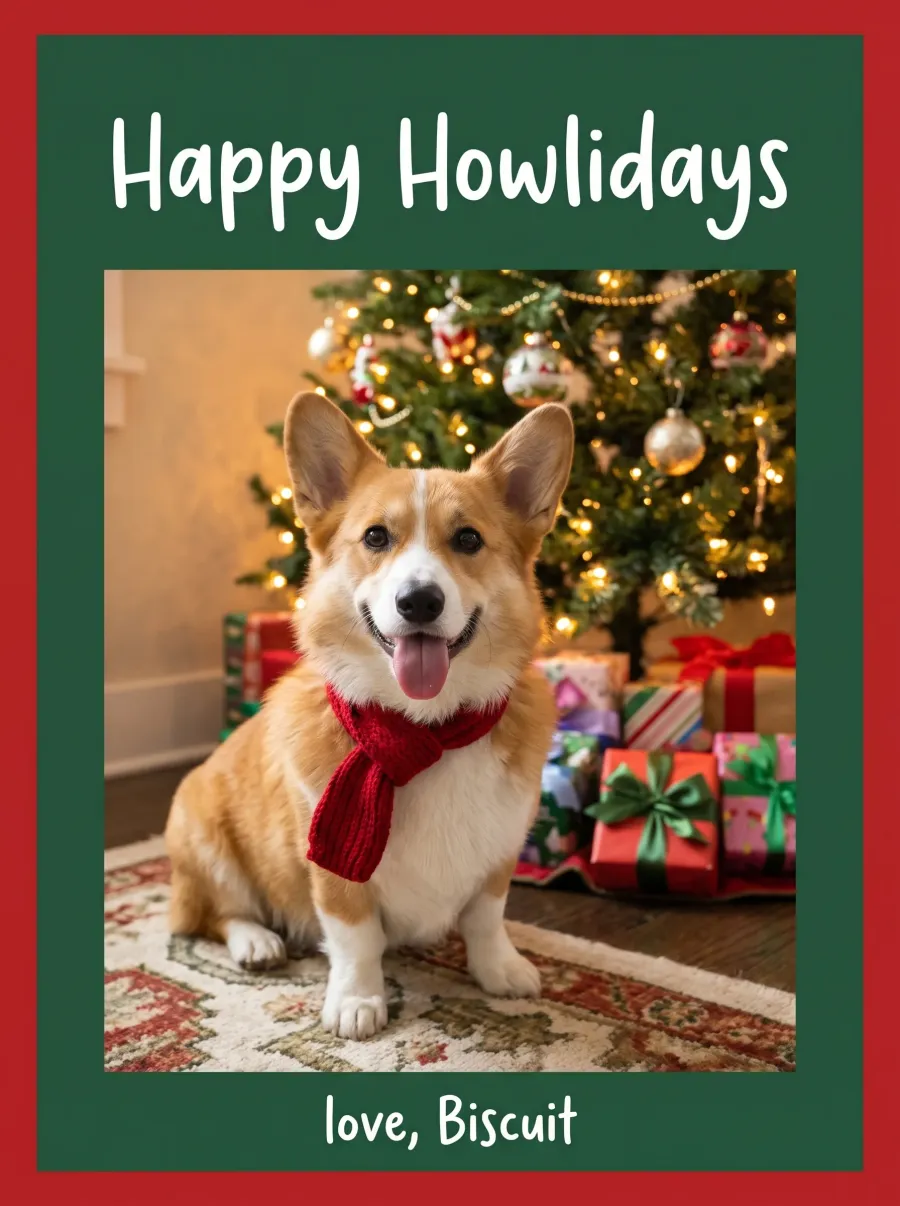
Let the pet sign it. A photo of the dog or cat on its own is enough.
 1 pet photo
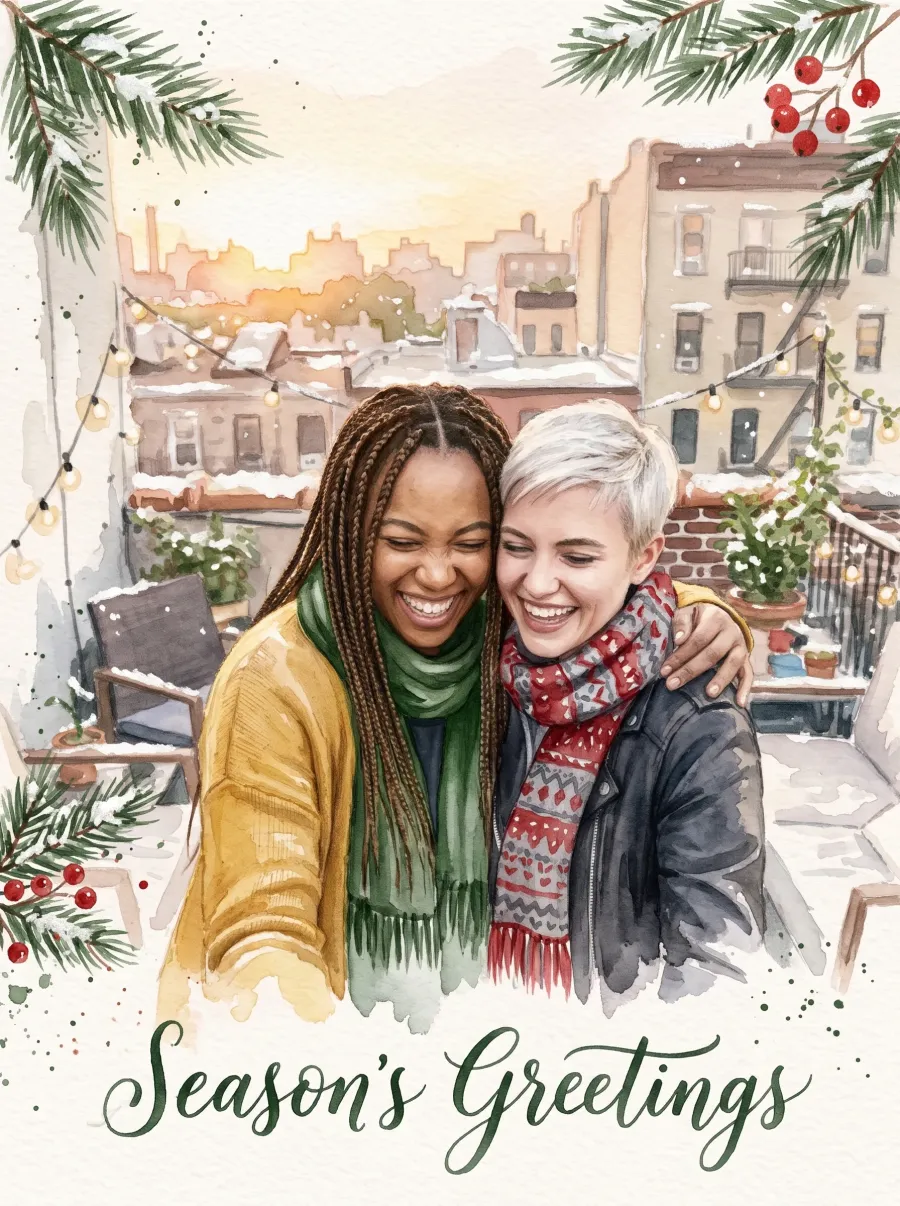
Your photo painted by hand, with pine, berries and calligraphy. Faces stay recognizable in the paint.
 1 photo
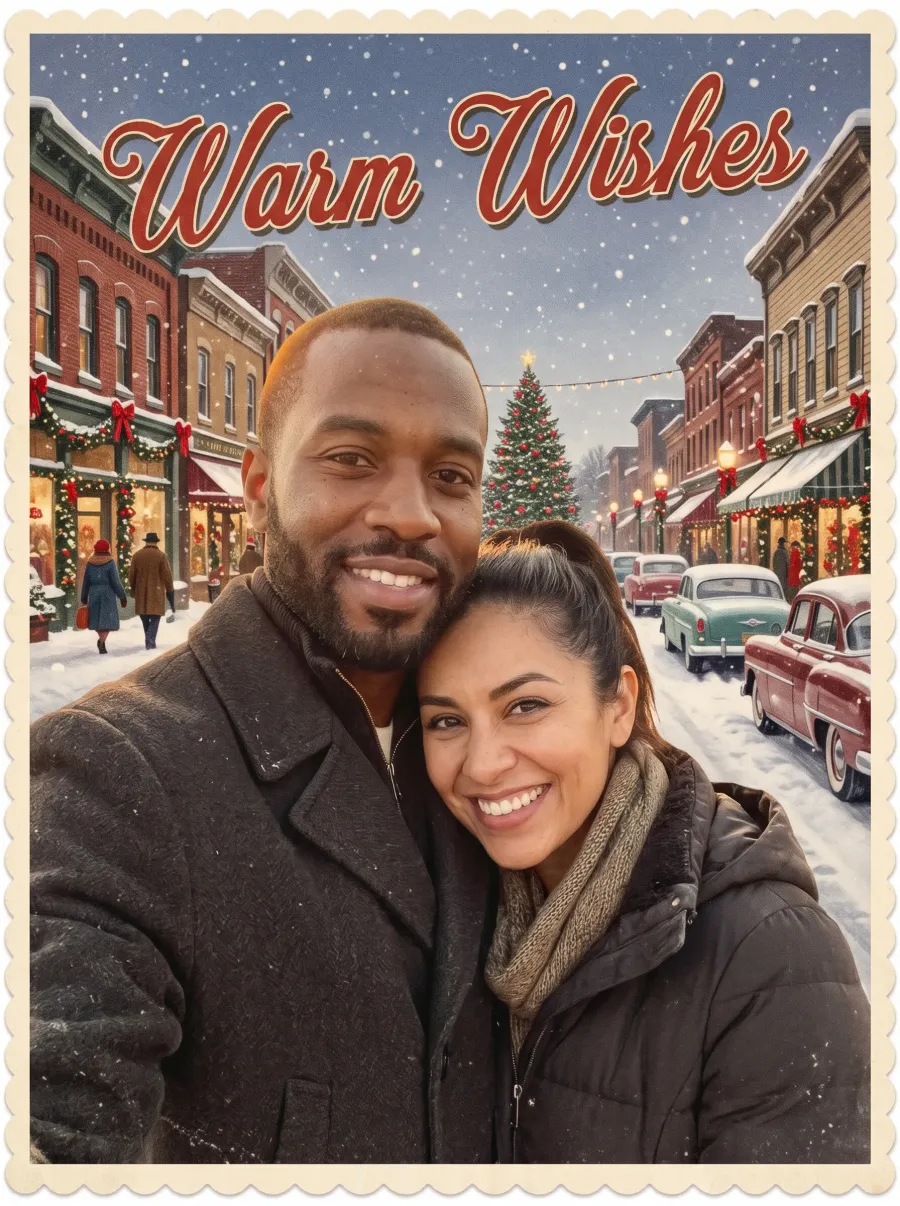
A snowy main street printed like an old postcard, with a scalloped border and script across the sky.
 1 photo
Use this style puts its instruction in the editor. Every style works with a photo of one person, a couple, a group or a pet.
Greetings
Put your greeting in quotes and the AI Christmas card generator letters it into the card. Same photo, five messages: pick the one that sounds like you.
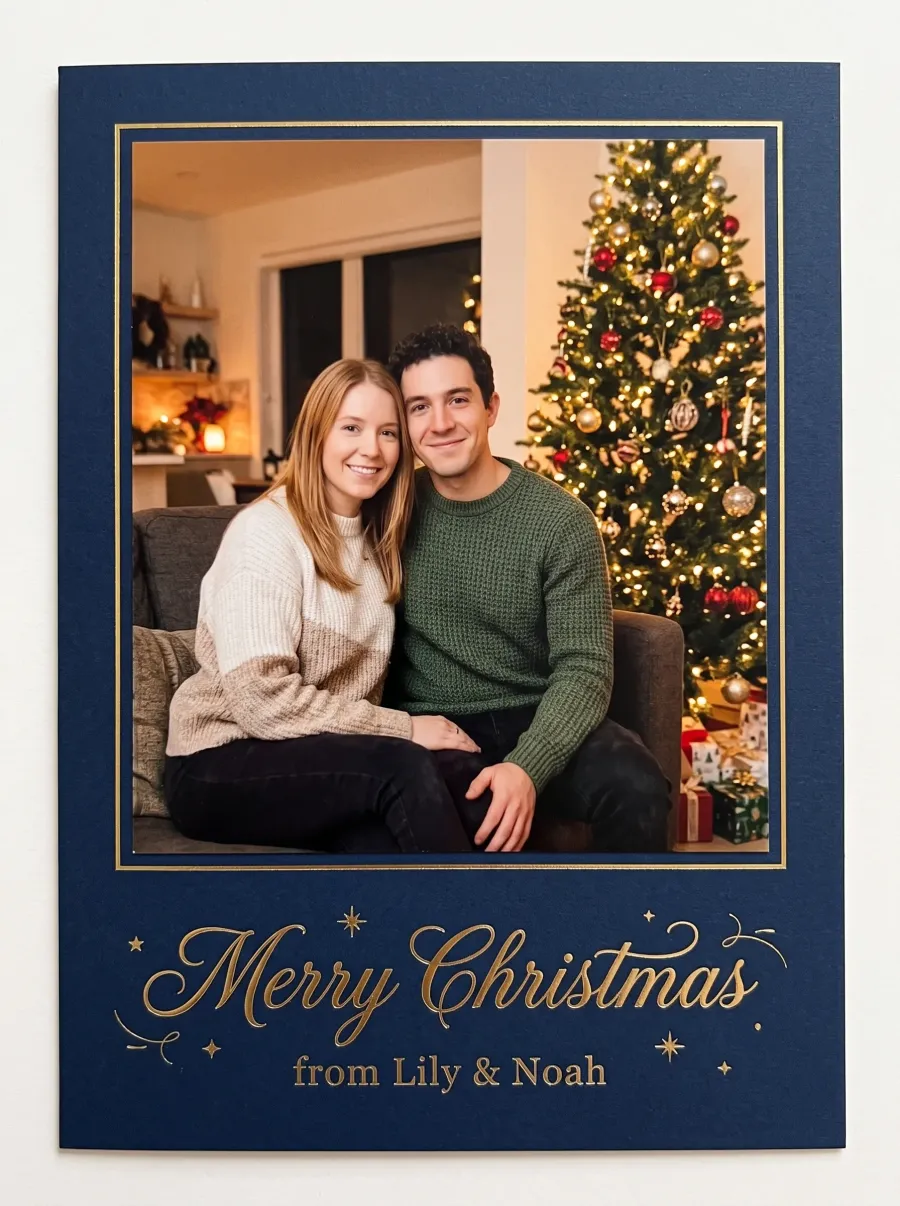

“Make this a Christmas card: put the couple in cozy knit sweaters on a sofa beside a glowing Christmas tree, set the photo on a deep navy card, and letter "Merry Christmas from Lily & Noah" in gold below the photo.”
“Make this a Christmas card: put the couple in cozy knit sweaters on a sofa beside a glowing Christmas tree, set the photo on a deep navy card, and letter "Merry Christmas from Lily & Noah" in gold below the photo.”
Every card comes from the same photo and the same instruction; only the words in quotes change.
Family apart
Upload up to four photos, one per person or pet. Instead of a photo collage, the AI Christmas card generator puts everyone in one scene, as if you had all been in the same room this December.

Three separate photos, one family card. Name what everyone wears so the card looks planned.


 3 photos

Two photos from two countries, one card from both of you, with both names in the lettering.

 2 photos

A photo of you and a photo of the dog become one porch scene, with both names on the card.
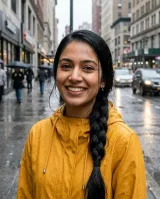
 2 photos
Add each photo in the editor with Add another person or pet, then use the idea and change the names.
Two sides
A printed photo card has two sides. Make the front from your best photo in the AI Christmas card generator, then make the back in a second edit: small pictures the AI draws in new scenes and a short note.
One big photo and one line of lettering. Keep the greeting short so it reads from across the room.
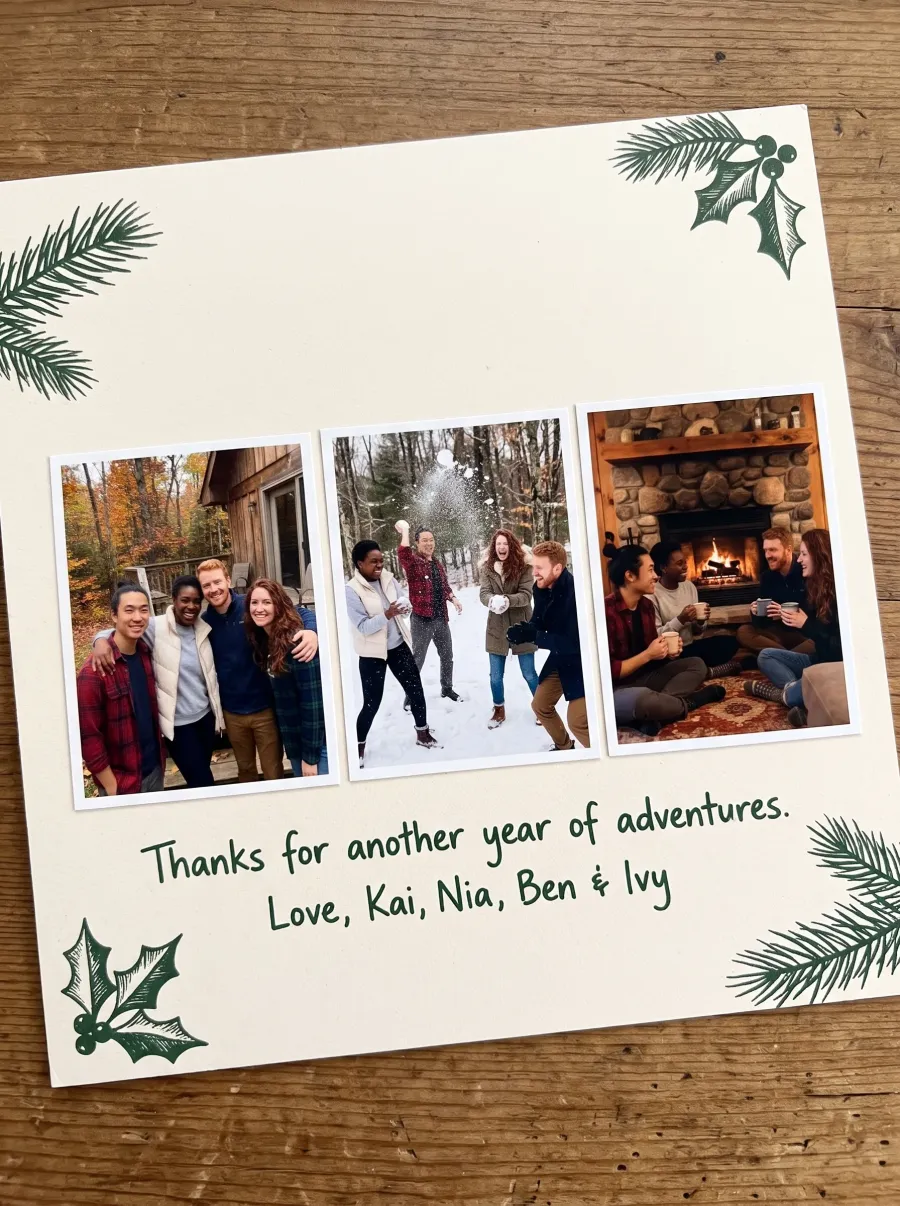
Ask for the back in a second edit: a row of small photos and a few words from all of you.
Animated card

Switch the AI Christmas card generator to Animated card and describe the scene, what moves and the words. GPT Image 2.6 Sunburst draws a looping GIF that plays in messages, email and WhatsApp.
Prompt
A good card prompt names four things: the scene, what everyone wears, the card design and the words in quotes. Pick one of each and use it in the AI Christmas card generator, or copy the version for any image generator.
“Make this a Christmas card of everyone in the photo: in front of a softly glowing decorated Christmas tree, in cozy knit Christmas sweaters, framed by a deep green border, with "Merry Christmas from the Lees" lettered in gold script. Keep every face exactly as in the photo.”
“A Christmas card photo of a smiling couple, in front of a softly glowing decorated Christmas tree, in cozy knit Christmas sweaters, framed by a deep green border, with "Merry Christmas from the Lees" lettered in gold script. Sharp detail, with the lettering crisp and spelled exactly.”
Print and send
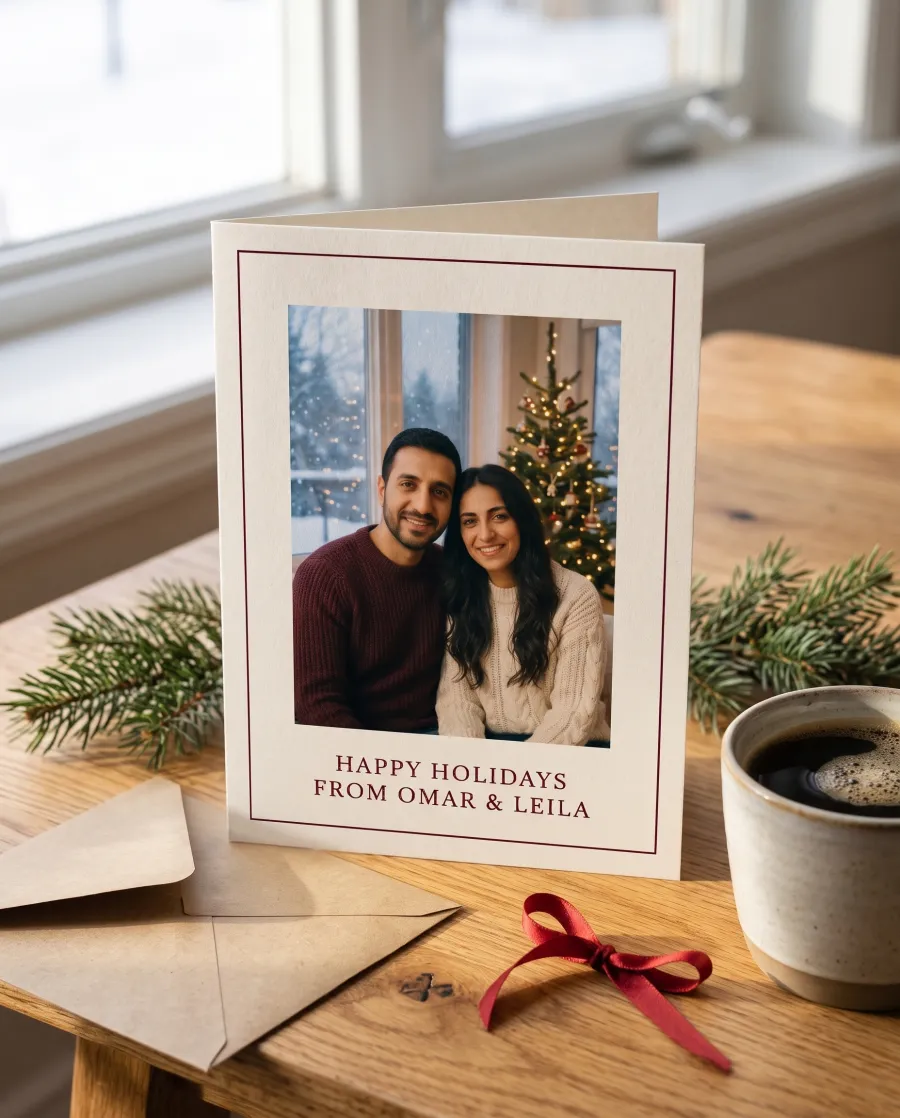
In the AI Christmas card generator, pick Portrait 3:4 and download in 4K: that is well over 300 dpi on a 5×7 card. Take the file to any photo print shop or upload it to their website.
Open the AI Christmas card generator and add one photo of everyone, or up to four photos of people and pets who were not together.
Type the exact words and names you want on the card, for example "Merry Christmas from the Lees".
Tap a card style in the AI Christmas card generator or describe your own scene and design, then make the card.
Check the faces and every letter, then download in 2K or 4K. Edit again for the back of the card.
One line on the front reads best at card size. Put the longer note on the back.
The AI Christmas card generator letters what you type, but zoom in on the names. If a letter is off, edit again with the words written the same way.
Tight crops leave no space for the border and the words. Shoulders in view work well.
Keep faces and lettering away from the edges, which are trimmed in printing.
Type names as they should appear, with accents and capitals, inside the quotes.
Yes, to start. It is a free AI Christmas card generator: sign up and you get 5 free edits with no watermark. A 4K card or an animated card takes more credits; the button shows the cost before you make one.
Yes, that is what the AI Christmas card generator is for: a Christmas card with your faces, not a stranger’s. Upload the photo, write the greeting in quotes and pick a style. Everyone keeps their own face; the outfits, the scene and the card design change.
The AI letters the words you put in quotes, and short greetings come out cleanest. Check the names before you print; if a letter comes out wrong, edit again with the same words.
Yes. Upload a photo of the pet alone for a card from the pet, or add the pet photo next to your own for a card of both of you.
Any number in one group photo. From separate photos, up to four people or pets on one family Christmas card.
Animated cards start from words, not from a photo, so they show a scene and your names. To send your faces too, make a photo card and an animated card and send both.
A template gives you a layout to fill with your photo. Here the AI makes the whole card from your photo: the scene, the outfits, the design and the lettering. You can still finish it in your favorite card app.
Start the AI Christmas card generator with a photo you already love. Your greeting, your style, ready to print tonight.